


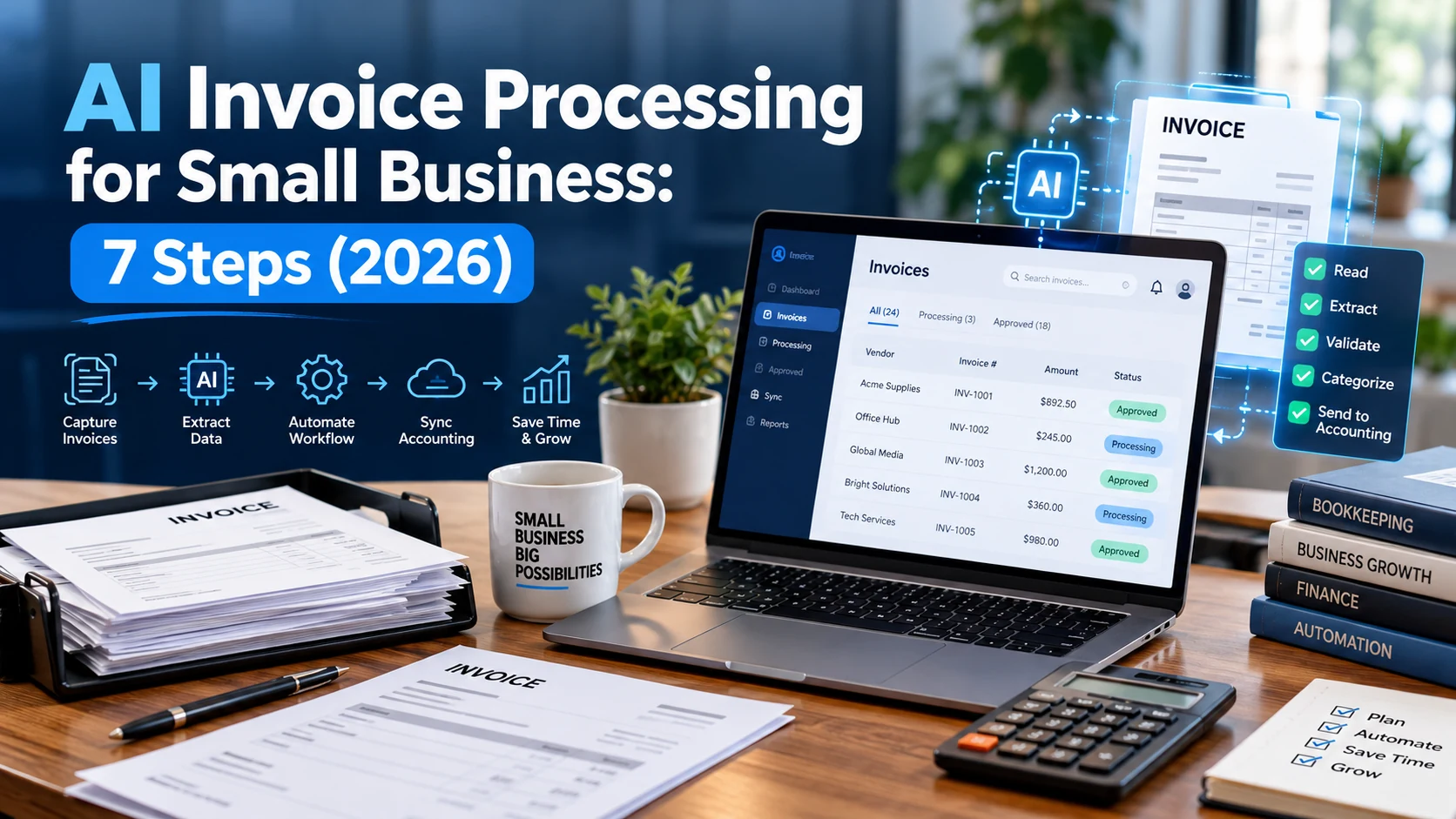
AI invoice processing can remove much of the copying and filing involved in accounts payable. It cannot, however, decide whether an unfamiliar supplier is genuine or whether an invoice should be paid without checking the purchase behind it. The strongest setup combines document extraction, clearly defined approval rules, and a human review for exceptions.
This 2026 guide explains what AI invoice processing for small business actually does, how to design a workflow around it, which tools are worth evaluating, and how to measure results without assuming automation is always accurate.
What is AI invoice processing?
AI invoice processing is the use of document-reading software to turn invoices—PDFs, scans, photos, or email attachments—into structured records. A system typically identifies the supplier, invoice number, invoice date, line items, totals, tax, payment terms, and other fields. It may then send those values to a spreadsheet, purchasing system, or accounting application.
A basic OCR tool reads visible characters. Invoice-focused document AI adds field classification: it attempts to distinguish a due date from a delivery date, or an invoice total from the subtotal. A workflow platform connects those extracted values to the rest of the process. The distinction matters because reading a number and authorizing a payment are different tasks.
Microsoft documents a prebuilt invoice model in AI Builder that extracts fields such as invoice ID, vendor, dates and amounts; its Power Automate guide shows how those values can be used in a flow. These are examples of available components, not evidence that any particular setup will work perfectly on every invoice. See the official Microsoft invoice-processing documentation.
Where small businesses lose time on invoices
Consider a small online retailer receiving purchase invoices from several suppliers. An employee opens an email, downloads the attachment, enters the invoice number into an accounting tool, checks line items, asks a manager for approval, and moves the file into a folder. If the invoice arrives twice, someone may enter it twice. If the vendor name varies, a matching rule may miss it.
A restaurant, agency, clinic, or construction contractor has similar tasks but different risks. A restaurant might need to match food deliveries to invoices. An agency may need project codes for software subscriptions. A contractor may need to reconcile partial deliveries with purchase orders. The useful question is not “Can AI automate finance?” but “Which specific handoffs are repetitive, measurable, and safe to automate?”
Start by mapping five stages: intake, extraction, validation, approval, and posting. For each stage, document the owner, the input, the output, and the condition that requires manual review. This prevents a fast extractor from simply moving errors farther down the process.
A practical seven-step AI invoice workflow
1. Create one controlled intake channel
Choose a dedicated mailbox, an upload form, or a monitored folder for incoming invoices. Avoid allowing every employee to create an independent forwarding rule. Capture the original document, sender, arrival date, and any related purchase order so there is an audit trail.
Only documents from approved sources should enter automated processing. External files may contain malicious content, so apply attachment screening and standard account security. If an invoice is received via an unfamiliar address, confirm the supplier through a known contact method rather than replying only to the suspicious message.
2. Extract fields into a fixed schema
Define required columns before choosing a tool. At minimum, capture supplier ID, invoice number, invoice date, currency, subtotal, tax, grand total, due date, line items, file reference, and extraction status. An example row might read “Supplier A / INV-1042 / USD / 480.00 / due Nov 2 / review needed.” This is an illustrative record, not a real transaction.
Keep both the original text and normalized values. For example, the source may say “02/11/26”; the model should not silently guess whether the date is February 11 or November 2. Locale, vendor settings, and manual confirmation are necessary for ambiguous fields.
3. Validate arithmetic and identity
Do not accept every extracted field simply because a tool reports a confidence score. Calculate whether line totals reconcile, whether tax plus subtotal matches the grand total within a defined tolerance, and whether the currency is supported. Check the invoice number against historical records for duplicates.
Match the vendor against an approved vendor master rather than treating the name printed on the document as trusted. A bank-account change deserves an independent verification step. These deterministic checks are often more valuable than adding a second AI model.
4. Match purchases and receipts where appropriate
For purchase-order businesses, compare invoice quantity and price with the purchase order and proof of delivery. A three-way match can identify overbilling or undelivered items. Service businesses may instead match an invoice to an approved statement of work, contract, or subscription record.
Define what happens when the records do not match: pause the invoice, create a ticket, include the exact disputed field, and route it to a named owner. Do not ask AI to invent missing evidence.
5. Route approval using clear rules
Some invoices may be eligible for a low-risk, single-person approval; larger or unusual invoices may require two reviewers. The thresholds should be set by the business, not by a model. Separate the ability to edit a vendor’s payment details from the ability to approve payments where possible.
An approval request should display the original invoice alongside the extracted fields, the purchase-order match, and any validation flags. A reviewer must be able to reject or correct the record, not merely click Approve.
6. Send approved data to accounting
After approval, create a bill or draft transaction in the accounting system, then record its external ID so retries cannot create another copy. Start with a draft or review queue; enable fully automated posting only after the workflow demonstrates reliable results on a representative sample.
If the integration fails, retry safely and alert the responsible person. Never infer success from a “sent” event when the accounting system did not confirm receipt. Our guide to AI workflow automation examples explains related routing and handoff patterns.
7. Keep exceptions and an audit trail
Store the original document, extracted values, corrections, approval history, processing timestamp, and final accounting reference. Protect sensitive financial information with appropriate access limits and a retention policy. Periodically review recurring errors by supplier, document format, and field type.
An exception queue is a core feature, not a sign that the project has failed. Good automation makes difficult cases easier to identify while allowing straightforward cases to move faster.
Which tools should you evaluate?
There is no universal winner. The best choice depends on your existing accounting platform, invoice formats, document volume, data-residency requirements, and whether you can build or maintain integrations.
| Approach | Best fit | What to verify before buying |
|---|---|---|
| Accounting software’s own capture features | Teams that need minimal integration | Supported fields, correction workflow, approval options |
| Microsoft AI Builder plus Power Automate | Organizations already using Microsoft 365 / Power Platform | Licensing, connectors, document limits, review interface |
| Specialist invoice automation platform | Higher volume or complex approvals | Supplier matching, purchase-order logic, audit export, support |
| Custom document AI plus workflow engine | Unique formats or unusual systems | Development cost, monitoring, security, maintenance |
| Manual entry with limited AI assistance | Very low volume or sensitive processes | Whether automation adds more complexity than value |
Microsoft’s Power Automate invoice walkthrough provides an example of connecting the extraction step to a flow. Treat product prices, free tiers, limits, and integrations as details to confirm on official pages on the day you evaluate them; these can change.
How much does AI invoice processing cost?
A realistic cost calculation includes more than the advertised per-document price. Record subscription fees, usage charges, workflow platform fees, implementation time, data storage, accounting connector costs, and time spent resolving exceptions. If a product charges by pages rather than invoices, a five-page invoice may count differently from a single-page invoice.
Measure cost per correctly processed invoice, not just extraction cost. Suppose a workflow has inexpensive extraction but requires manual correction on half of the documents. That may cost more overall than a slightly higher-priced system with better validation and review tools.
Use a small pilot rather than making a long commitment based on a sales demonstration. Collect at least a variety of suppliers, scan qualities, currencies, and line-item layouts that resemble your real invoices.
How to run a 30-day pilot
Week 1 — Baseline: Track current invoice volume, manual processing time, duplicate incidents, late approvals, and corrections. Remove sensitive details before uploading anything into a trial account unless the provider’s terms permit the intended data use.
Week 2 — Extraction testing: Process sample documents and label every important field correct, incorrect, missing, or ambiguous. Record results separately for handwritten annotations, multi-page invoices, and unusual templates.
Week 3 — Approval and integration: Route test invoices through the actual reviewers. Verify duplicate detection, rejected approvals, error notifications, vendor changes, and whether repeated submissions create multiple accounting entries.
Week 4 — Decision: Compare end-to-end time, correction effort, operational risk, and total cost with the baseline. Set a threshold for moving ahead, then expand gradually. An exception rate that looks acceptable in a demo may be unacceptable for payment-sensitive operations.
Metrics that matter
| Metric | How to define it | Why it helps |
|---|---|---|
| Extraction accuracy | Correct critical fields ÷ critical fields checked | Exposes recurring data errors |
| Straight-through rate | Invoices requiring no manual correction ÷ total invoices | Measures automation quality |
| Exception turnaround | Time from flag to resolution | Finds approval bottlenecks |
| Duplicate prevention | Detected duplicate attempts and confirmed duplicate postings | Protects against repeated entries |
| Cost per approved invoice | Total operating cost ÷ correctly completed invoices | Tests financial value |
Keep critical fields separate from noncritical ones. A misspelled address may be less severe than the wrong bank account, amount, or currency.
Common mistakes to avoid
Automating payment before validation. Extraction is not authorization. Keep approvals and supplier verification independent of the model.
Skipping a vendor master. “ABC Services Ltd” and “ABC Service” may be the same supplier, but that assumption requires evidence and consistent identifiers.
Ignoring poor-quality files. Cropped scans, rotated pages, low resolution, and unusual layouts increase the need for review. Ask suppliers for cleaner PDFs when possible.
Connecting systems with excessive permissions. An integration that reads invoices should not automatically receive broader financial permissions than necessary. Review our AI agent security checklist for related access-control principles.
Treating AI output as an accounting decision. A predicted category or tax code should be checked against your business rules and local professional advice. AI does not replace bookkeeping responsibilities.
Frequently asked questions
Can AI read invoices from PDF files and email attachments?
Often yes. Many document-processing tools accept PDFs or images, and a workflow platform can collect approved attachments from email. Always confirm the supported formats, file-size limits, and connector permissions for the specific product.
Can AI invoice processing prevent duplicate payments?
It can help flag likely duplicates when combined with supplier IDs, invoice numbers, amounts, and accounting records. No model alone guarantees prevention; payment controls and reliable posting logic remain necessary.
Do small businesses need custom software?
Not necessarily. A built-in accounting feature or a low-code workflow may be sufficient. Custom development makes more sense when the existing systems, approval rules, or document formats are unusually complex.
Is it safe to upload supplier invoices into an AI tool?
It depends on the provider’s contract, data handling, access controls, retention settings, and the sensitivity of the records. Confirm these details before using real invoices, and avoid uploading banking or tax information into unapproved consumer tools.
What should remain manual?
High-value approvals, new-supplier checks, bank-detail changes, disputed invoices, and regulatory or tax judgments should have clearly accountable human review.
Final takeaway
Start small: one intake channel, a fixed extraction schema, deterministic checks, a visible exception queue, and an explicit human approval step. That is a more reliable path to AI invoice processing for small business than turning on automatic payment as soon as the first PDF is read correctly.
For adjacent use cases, explore AI for small business and practical AI knowledge management strategies to keep procedures and approvals documented.

