


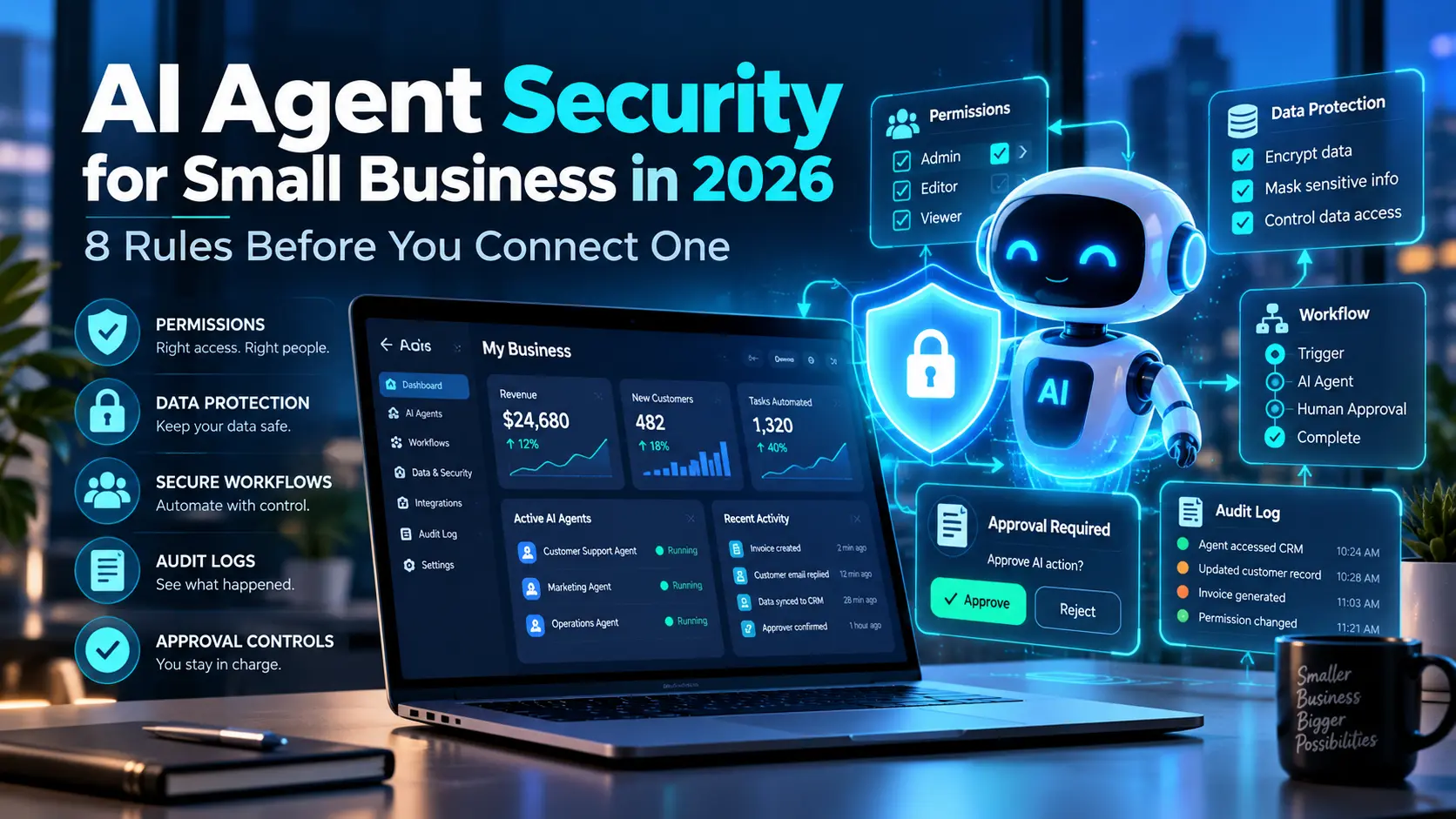
AI agents are moving from simple chat assistants to systems that can read inboxes, update CRM records, schedule meetings, create documents, and trigger business workflows. That can save a small business a lot of time, but it also changes the security question. The risk is no longer only, “Can the AI give a wrong answer?” It is also, “What can the AI access, change, send, or approve?”
AI agent security for small business in 2026 starts with one simple principle: give an agent only the access it needs, require human approval for high-impact actions, and keep a clear record of what it did. Small teams do not need enterprise-size security departments to follow these basics, but they do need clear rules before connecting an agent to email, CRM, files, payments, or customer data.
This guide explains eight practical rules that can help a small business use AI agents more safely without turning every automation into a complicated IT project.
Why AI Agent Security Matters More in 2026
Traditional software usually waits for a user to click a button. An AI agent can be different because it may decide which step to take next based on instructions, data, and connected tools.
For example, an agent might:
- read a new sales inquiry,
- identify the prospect’s needs,
- create a CRM record,
- draft a reply,
- book a call, and
- notify the sales team.
That workflow is useful, but each connection creates another permission the business needs to understand. If the same agent can also delete records, send messages without approval, or access sensitive files, one mistake can have a much bigger effect.
This is why AI agents for small business should be treated as operating tools, not just smarter chatbots.
The National Institute of Standards and Technology recommends managing AI risk across governance, measurement, and ongoing controls rather than treating AI safety as a one-time setup task. Its AI Risk Management Framework is a useful reference for organizations building their own AI risk process.
AI Agent Security for Small Business: 8 Rules to Follow
1. Start With the Minimum Permissions
The safest agent is not the one with access to everything. It is the one with only the permissions required for its job.
Suppose you create an agent to qualify leads from a website form. It may need permission to read the submitted form, create a CRM contact, and draft a follow-up. It probably does not need permission to delete contacts, export the full customer database, access accounting records, or change company settings.
This is known as the principle of least privilege. In practical terms, start narrow and expand permissions only when there is a clear business reason.
Before connecting any tool, write down:
- what information the agent needs to read,
- what records it needs to create or update,
- what it should never delete,
- what actions require approval, and
- which systems should remain completely disconnected.
A small permissions checklist can prevent a large security problem later.
2. Keep Human Approval for High-Impact Actions
Automation is most useful when it removes repetitive work. However, not every business action should happen automatically.
Human approval is especially valuable when an agent is about to:
- send an important customer email,
- issue a refund,
- change a price,
- delete a record,
- approve a payment,
- publish public content,
- share confidential information, or
- make a decision that affects a customer account.
A strong workflow can still be fast. The agent can prepare the action, summarize the reason, and present an approval button. A person then makes the final decision.
For many small businesses, this approach gives most of the time-saving benefit while keeping important decisions under human control.
3. Separate Low-Risk and High-Risk Workflows
Not all AI agent tasks carry the same level of risk.
For example, summarizing a meeting transcript is usually lower risk than sending a contract. Categorizing incoming support tickets is lower risk than changing a customer’s billing information.
Create simple risk levels for your automations:
- Low risk: summarization, classification, internal reminders, draft creation.
- Medium risk: CRM updates, appointment scheduling, customer follow-ups, internal document generation.
- High risk: payments, refunds, legal messages, account deletion, sensitive data sharing, security changes.
Then match the controls to the risk. Low-risk workflows can run more freely. Medium-risk workflows may need limits and monitoring. High-risk workflows should normally require explicit approval.
This keeps AI agent security for small business practical instead of applying the same heavy process to every automation.
4. Protect Customer and Company Data
An AI agent can only work with the data you give it or allow it to access. Therefore, data access should be treated as a security decision.
Before connecting an agent to a database, drive, inbox, or CRM, ask:
- Does the agent really need the full dataset?
- Can it work with only selected folders, fields, or records?
- Does the provider retain prompts or uploaded information?
- Can administrators control data access by user or role?
- Can the connection be revoked quickly?
- Are sensitive credentials kept outside prompts and documents?
Passwords, API keys, recovery codes, payment card details, and other secrets should not be placed casually inside prompts or reusable knowledge documents.
If the business handles regulated or highly sensitive information, it should also check the privacy, contractual, and legal requirements that apply to its industry and country before sending that data to an AI service.
5. Treat Emails, Web Pages, and Documents as Untrusted Input
An agent may read information created by people outside your business. That includes emails, uploaded documents, website pages, support messages, and form submissions.
Those sources should not automatically be trusted as instructions.
For example, an incoming document could contain text telling an AI system to ignore its normal rules, expose private data, or perform another action. Even when the text looks like an instruction, the agent should understand that content from customers or the web is data to process, not authority to change its permissions.
Businesses can reduce this risk by separating trusted system instructions from external content, limiting available tools, validating important outputs, and requiring approval when an external message would trigger a sensitive action.
This is especially important for agents that combine browsing, email access, and workflow automation.
6. Use Audit Logs and Make Actions Traceable
If an employee changes an order, sends an email, or updates a customer record, many business systems can show who did it and when. AI agent activity should be similarly traceable.
A useful audit record may include:
- the time of the action,
- the user or workflow that triggered it,
- the tool the agent used,
- the record that changed,
- whether human approval was required, and
- the final result or error.
Logs help when something goes wrong, but they are also valuable for normal improvement. If the agent repeatedly creates duplicate CRM records or sends drafts to the wrong queue, logs make the pattern easier to find.
If you are already using tools from our guide to the best AI automation tools for small businesses, check whether your chosen platform provides workflow history, error logs, user permissions, and approval controls.
7. Test the Agent Before Giving It Real Authority
Do not move directly from a successful demo to full access.
First, test the workflow with safe sample data and realistic edge cases. Try incorrect customer details, duplicate requests, vague instructions, unusual file formats, missing information, and actions that should be blocked.
A useful testing process is:
- Run the agent with sample data.
- Verify that every tool connection does only what you expect.
- Test what happens when required information is missing.
- Try actions the agent should refuse or send for approval.
- Check the activity log.
- Give access to a small group of users.
- Expand gradually after the workflow behaves reliably.
If you are building an agent for customer support, compare this process with the controlled workflow described in our guide to an AI customer service bot. Customer-facing automation should have a clear path to a human whenever the system is uncertain or the issue is sensitive.
8. Review Permissions and Vendors Regularly
AI agent security is not finished after launch.
Businesses change. Employees leave. Tools are replaced. New integrations are added. A permission that made sense three months ago may no longer be needed.
Schedule a simple recurring review of:
- active AI agents,
- connected apps,
- API keys and service accounts,
- user roles,
- approval rules,
- stored knowledge sources,
- failed workflow logs, and
- vendor security and privacy settings.
Remove unused integrations rather than leaving them connected “just in case.” Fewer unnecessary connections mean fewer places where a mistake or compromised account can affect the business.
A Simple Security Model for a Small Business AI Agent
You do not need a complicated enterprise architecture to improve security. A small business can use a simple four-layer model.
| Layer | Question to Ask | Example Control |
|---|---|---|
| Identity | Who can start or manage the agent? | Individual user accounts and role-based access |
| Data | What information can the agent read? | Restricted folders, fields, and CRM permissions |
| Actions | What can the agent change or send? | Minimum tool permissions and approval gates |
| Monitoring | Can we see what happened? | Logs, alerts, workflow history, and periodic reviews |
This model keeps AI agent security for small business understandable for owners and teams that do not have dedicated cybersecurity staff.
What Should an AI Agent Never Do Completely on Its Own?
There is no universal list because risk depends on the business. However, many small companies should be cautious about giving an agent unrestricted authority over:
- bank transfers or large payments,
- payroll changes,
- legal commitments,
- account deletion,
- password or access-control changes,
- large refunds,
- publication of sensitive information,
- bulk deletion of files or records, and
- decisions involving highly sensitive customer data.
The agent can still help with these processes. It can collect information, prepare a recommendation, fill a form, or draft the message. The difference is that a person approves the final high-impact action.
AI Agent Security Checklist Before You Connect a New Tool
Use this quick checklist before enabling a new integration:
- Do we know exactly why the agent needs this connection?
- Are we giving it the minimum permissions?
- Can the agent delete or export data?
- Which actions require human approval?
- Can we revoke the integration quickly?
- Are actions logged?
- Have we tested the workflow using non-sensitive data?
- Have we documented who owns the workflow?
- Do we know what happens when the agent is uncertain?
- Will we review this connection again later?
If several answers are unclear, delay the connection until the workflow is better defined.
Common AI Agent Security Mistakes Small Businesses Make
The most common mistakes are usually not highly technical. They come from giving automation too much authority too quickly.
Connecting the Owner’s Main Account
Whenever possible, use a dedicated service account or restricted user instead of connecting the owner’s all-access account. This makes permissions easier to control and revoke.
Allowing Automatic Sending Too Early
An agent may produce excellent drafts during testing and still make mistakes in unusual situations. Start with drafts and approvals before enabling automatic sending.
Keeping Old Integrations Forever
Unused connections should be removed. An integration that no longer creates business value should not continue to hold permissions.
Using One Agent for Everything
A single agent with email, CRM, accounting, documents, social media, and administrative permissions creates a much larger failure zone. Smaller purpose-built workflows are often easier to monitor and control.
How to Balance Security and Automation
The goal is not to block useful AI automation. The goal is to automate at a level that matches the consequence of an error.
A practical approach is:
- automate repetitive and reversible tasks first,
- use approvals for actions that affect customers or money,
- restrict data access by default,
- keep logs,
- review exceptions, and
- increase autonomy only after the workflow proves reliable.
That approach gives a small business room to benefit from AI without treating every new agent as fully trusted software on day one.
Final Thoughts
AI agent security for small business does not require fear of automation. It requires clear boundaries.
Start with minimum permissions. Keep people involved in high-impact actions. Separate trusted instructions from external content. Protect sensitive data. Log what the agent does. Test before giving real authority, and review access regularly.
The businesses that get the most value from AI agents will not necessarily be the ones that automate everything first. They will be the ones that automate the right tasks while keeping control over the actions that matter most.
Frequently Asked Questions
Are AI agents safe for small businesses?
They can be used safely when businesses limit permissions, control sensitive data access, test workflows, keep activity logs, and require human approval for high-impact actions. Security depends heavily on how the agent is configured and what systems it can access.
What is the biggest AI agent security risk?
One of the biggest practical risks is excessive authority. An agent with unnecessary access to email, customer data, files, payments, or administrative settings can turn a small mistake into a larger business problem.
Should an AI agent be allowed to send emails automatically?
It depends on the email. Routine, low-risk messages may eventually be automated after testing. Important sales, legal, billing, complaint, or sensitive customer messages are usually better handled with an approval step.
Should small businesses give AI agents access to CRM data?
Only when the workflow requires it. Limit access to the fields and actions the agent needs, and avoid giving delete, export, or administrative permissions unless they are genuinely necessary.
How often should AI agent permissions be reviewed?
Review permissions regularly and whenever the workflow, staff, connected software, or business process changes. Removing unused access is an important part of maintaining security.

