


Last updated: October 8, 2026
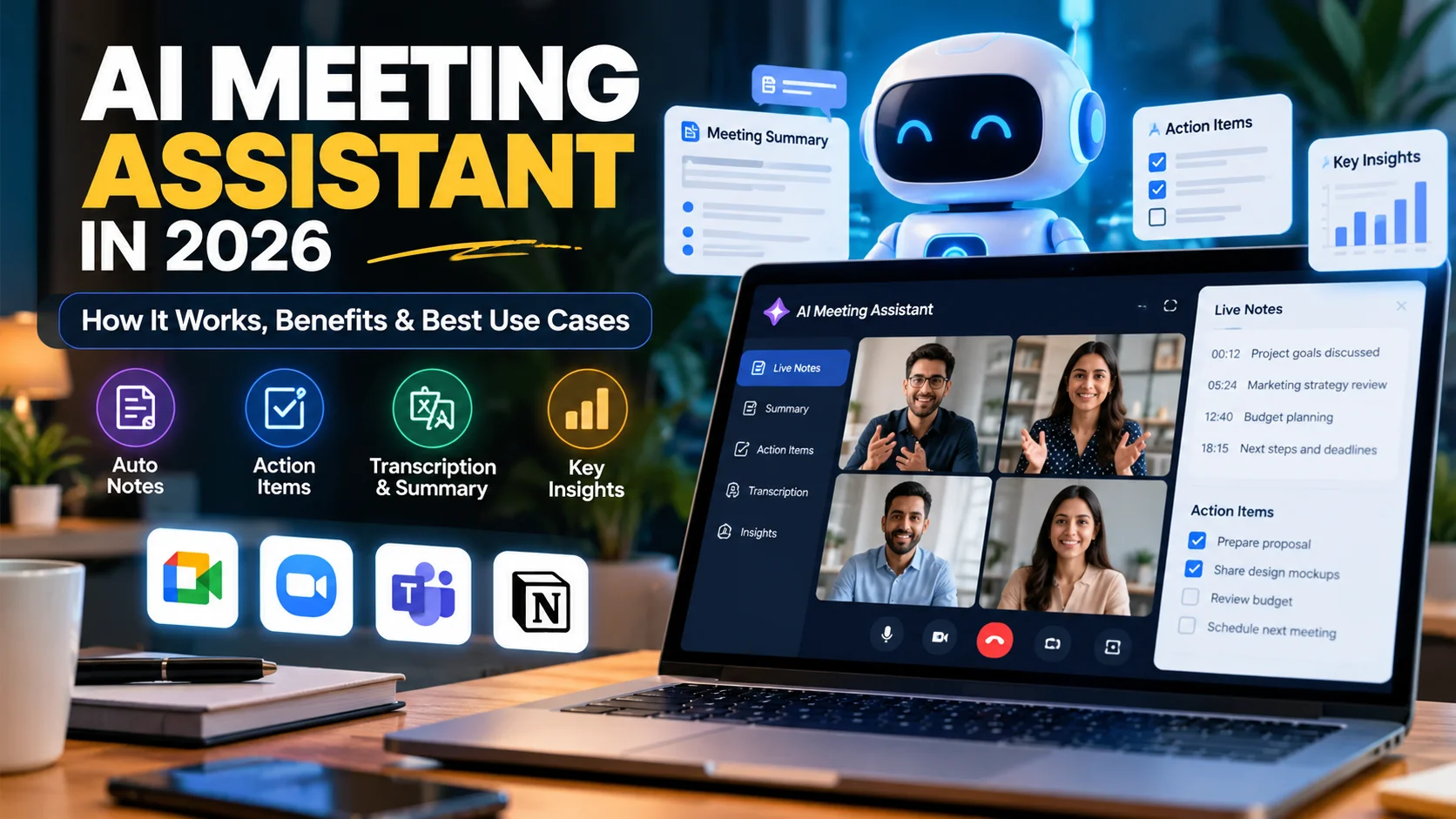
An AI meeting assistant can turn a meeting into searchable notes, summaries, action items, follow-up tasks, and useful business records. In 2026, these tools are becoming part of everyday productivity suites instead of separate note-taking apps.
For small teams, that shift matters. Meetings often create work after the call ends because someone still has to write notes, identify decisions, assign tasks, and send a recap. Therefore, an AI meeting assistant can save time when it is used with clear privacy rules and human review.
This guide explains how AI meeting assistants work, what they can do, where they save time, what risks to watch for, and how a small business can choose the right setup.
What Is an AI Meeting Assistant?
An AI meeting assistant is software that uses speech recognition and artificial intelligence to help capture and organize information from meetings. Depending on the platform, it may work during a video call, after a recorded meeting, or even during an in-person discussion.
For example, Google’s Take notes for me in Google Meet can automatically create organized meeting notes, provide a “summary so far” for late participants, and share a recap after the meeting. Microsoft Teams also supports shared meeting notes, tasks, and recap workflows inside Teams.
As a result, meeting assistance is moving beyond transcription. Modern systems can help turn conversation into structured business information.
How Does an AI Meeting Assistant Work?
Most AI meeting assistants follow a simple workflow.
Audio or captions → speech recognition → transcript → AI analysis → summary → decisions → action items → follow-up
First, the system converts spoken language into text. Next, an AI model identifies important topics, decisions, questions, and tasks. Finally, the tool organizes the information into a usable recap.
Some systems can also connect the meeting output to calendars, documents, project-management tools, or CRM records. However, the exact features depend on the platform and subscription.
1. Automatic Meeting Notes
The most obvious benefit is automatic note-taking. Instead of asking one person to write everything down, the AI can capture the discussion while participants focus on the conversation.
A useful meeting note may include:
- main discussion points;
- important decisions;
- questions that remain open;
- action items;
- task owners;
- deadlines;
- important links or references.
However, automatic notes should not be treated as perfect. Google explicitly warns that Gemini features can make mistakes. Therefore, someone should review important decisions before the notes become an official business record.
2. Faster Meeting Summaries
Long meetings are difficult to review manually. In contrast, an AI meeting assistant can turn a 45-minute or 90-minute discussion into a short summary within minutes.
This is especially useful for managers who do not need every sentence. Instead, they may only need the outcome, major risks, and next actions.
For example, a useful executive summary could contain:
Objective → key discussion → decision → blockers → owners → next deadline
Consequently, team members can understand what happened without replaying the entire meeting.
3. Action Items and Follow-Up Tasks
Meetings create value only when decisions lead to action. Therefore, action-item extraction is one of the most practical AI meeting assistant features.
The assistant may identify statements such as:
“Sarah will send the revised proposal by Friday.”
Then it can convert that sentence into a structured task:
Task: Send revised proposal
Owner: Sarah
Deadline: Friday
This can reduce forgotten commitments. Moreover, some business tools can connect those tasks to project-management or collaboration systems.
4. Catch Up When You Join Late
Late arrivals often interrupt a meeting by asking what they missed. AI can reduce that disruption.
For instance, Google Meet’s AI note-taking feature can provide a “Summary so far” when note-taking has already been enabled. Therefore, a late participant can review the discussion without asking the group to repeat it.
This feature can be particularly useful for busy managers who move between overlapping meetings.
5. Search Past Meetings
Traditional meeting notes are often difficult to find. One document may say “Q3 planning,” another may say “marketing call,” and important details can disappear inside long folders.
AI-assisted meeting records can make past discussions easier to search. As a result, a team may be able to find when a decision was made, who accepted a task, or which customer requirement was discussed.
This becomes more useful as the business grows because meetings create a large amount of operational knowledge.
6. Better Sales Meeting Preparation
An AI meeting assistant can also support sales teams. Before a follow-up call, a salesperson can review the previous meeting summary instead of searching through emails and handwritten notes.
For example, the recap may show:
- the prospect’s main problem;
- budget concerns;
- features they requested;
- questions that still need answers;
- the promised follow-up date.
As a result, the next conversation can feel more prepared and personalized.
If your business is already exploring broader AI workflows, our guide on AI agents for small business explains how AI can coordinate tasks across sales, support, marketing, and operations.
7. Customer and Project Handoffs
Handoffs become difficult when one employee knows the full history and another person joins later. Meeting summaries can reduce that information gap.
For example, a project manager could share a short meeting recap with a designer, developer, or support agent. The new person can quickly understand the goal, scope, decisions, and outstanding issues.
Therefore, AI-generated summaries can support continuity when teams change or projects move between departments.
8. Turn Meetings Into Business Documentation
Meetings often contain useful information for standard operating procedures, FAQs, project documentation, and training material.
An AI assistant can help transform raw conversation into a cleaner first draft. For example:
Meeting discussion → summary → process steps → checklist → SOP draft
However, the final document should be reviewed by someone who understands the real process. AI can organize the information, but it may miss an exception or misunderstand a technical detail.
AI Meeting Assistant vs Basic Transcription
| Feature | Basic Transcription | AI Meeting Assistant |
|---|---|---|
| Speech to text | Yes | Yes |
| Meeting summary | Usually no | Yes |
| Action items | Usually no | Often |
| Decision extraction | No | Often |
| Catch-up summary | No | Available on some tools |
| Follow-up workflow | Limited | Possible through integrations |
| Searchable knowledge | Basic transcript search | More structured |
Benefits of an AI Meeting Assistant for Small Businesses
Less Manual Note-Taking
Employees can participate in the discussion instead of constantly switching between listening and typing.
Faster Follow-Up
Because a recap is already prepared, teams can send updates and assign tasks sooner.
Better Accountability
Clear action items make it easier to see who owns the next step.
Easier Knowledge Sharing
People who missed the meeting can review a structured summary instead of asking for a full verbal explanation.
More Consistent Records
A repeatable meeting format can create cleaner documentation across the company.
These benefits fit into a larger productivity strategy. For additional examples, see our guide to 10 practical ways small businesses can use AI to save time.
Risks and Limitations
AI meeting assistants are useful, but businesses should understand their limits.
Incorrect Summaries
An assistant can mishear names, numbers, technical terms, or decisions. Therefore, important notes require review.
Privacy and Consent
Meeting participants may need to be informed when transcription, recording, or AI note-taking is active. Google Meet, for example, can require explicit participant consent depending on administrator settings.
Sensitive Information
Legal discussions, employee matters, medical information, financial data, passwords, or confidential client information may require stricter controls.
Language Limitations
Some tools support only certain languages or one spoken language at a time. Consequently, multilingual meetings may produce weaker results.
Over-Reliance on AI
A meeting summary is not the same as human judgment. Teams should still confirm important decisions and commitments.
How to Choose an AI Meeting Assistant
Do not choose a tool only because it has the longest feature list. Instead, match the product to the way your team actually works.
Check these factors:
- Meeting platform: Does it work with Google Meet, Microsoft Teams, Zoom, or in-person meetings?
- Summary quality: Are decisions and tasks easy to understand?
- Language support: Does it support your team’s spoken languages?
- Privacy controls: Can administrators control recording, retention, and access?
- Integrations: Can notes connect to your calendar, CRM, documents, or project tools?
- Search: Can users find information from older meetings?
- Cost: Is AI note-taking included in an existing business subscription?
How to Use an AI Meeting Assistant Safely
Decide Which Meetings Can Use AI
Start with ordinary sales, project, marketing, or internal planning meetings. Meanwhile, create stricter rules for sensitive discussions.
Tell Participants When AI Is Active
Make it clear when AI note-taking, transcription, or recording is enabled.
Review Important Meeting Output
Before sharing the recap widely, check names, numbers, decisions, deadlines, and action owners.
Store Notes in the Right Place
Avoid creating a second information silo. Instead, save important notes where the team already manages documents or projects.
Measure the Time Saved
Compare the time spent on notes and follow-up before and after adoption. In addition, track whether fewer tasks are forgotten.
Example AI Meeting Workflow
A small agency could use this workflow:
Client meeting → AI notes → human review → action items confirmed → tasks assigned → recap sent → project documentation updated
This workflow keeps AI focused on organization while people remain responsible for accuracy and client communication.
If you want to automate more steps around meetings and follow-ups, our AI business automation guide explains how to build repeatable workflows safely.
Frequently Asked Questions
What does an AI meeting assistant do?
An AI meeting assistant can transcribe discussions, generate summaries, identify action items, organize decisions, and help create follow-up notes.
Can an AI meeting assistant join meetings automatically?
Some third-party tools can join meetings as a participant, while other features are built directly into platforms such as Google Meet or Microsoft Teams. The behavior depends on the product.
Are AI meeting notes accurate?
They can be useful, but they are not guaranteed to be correct. Important names, numbers, decisions, and deadlines should always be reviewed.
Is it legal to use AI to record meetings?
Recording and consent laws vary by location and situation. Businesses should understand the rules that apply to them and clearly inform participants when recording or transcription is used.
Can small businesses benefit from AI meeting assistants?
Yes. They are especially useful for small teams that want to reduce note-taking, improve follow-up, and create better records without adding more administrative work.
Final Thoughts
An AI meeting assistant can save meaningful time when meetings regularly produce notes, tasks, decisions, and follow-up work. The biggest value is not simply transcription. Instead, it is turning conversation into organized information that a team can use.
Start with low-risk meetings, review the output, create clear privacy rules, and measure whether the tool actually reduces administrative work. When those basics are in place, AI-assisted meetings can become a practical part of everyday business productivity.
Further reading: Microsoft Teams meeting notes and Ask Gemini in Google Meet.

