


Introduction
Repetitive work quietly consumes a huge amount of business time.
Employees copy information between apps, reply to similar emails, organize leads, prepare reports, summarize documents, update spreadsheets, create follow-up messages, and perform dozens of other tasks that follow almost the same pattern every day.
Traditional automation can already handle many predictable actions. However, artificial intelligence adds another layer. AI can interpret text, summarize information, classify requests, generate responses, extract useful details, and make context-based decisions before passing information to the next step.
Therefore, businesses can now automate processes that previously required constant human attention.
In this guide, you will learn how to automate repetitive business tasks with AI, which tasks are suitable for automation, which tools can help, and how to build reliable workflows without unnecessarily replacing human judgment.
If you are new to practical business AI, start with our step-by-step guide to using ChatGPT for business before building advanced workflows.
What Is AI Business Automation?
AI business automation combines artificial intelligence with traditional workflow automation.
Normal automation follows fixed rules.
For example:
New form submitted → Add lead to CRM → Send notification.
AI automation can insert intelligent processing between those steps.
For example:
New form submitted → AI analyzes the inquiry → AI identifies customer intent → Lead is assigned to the correct department → Personalized draft response is created → Team member reviews it.
Make describes AI automation as combining software automation with artificial intelligence so workflows can interpret less-structured information and perform tasks that previously needed human judgment.
The important distinction is that AI should not replace rules when simple rules already work well.
In fact, Zapier recommends combining deterministic automation with AI only where AI adds useful interpretation or decision-making.
That approach usually creates cheaper, faster, and more reliable workflows.
What Repetitive Business Tasks Can AI Automate?
Not every business activity should be automated.
However, repetitive tasks are usually good candidates when they:
- happen frequently;
- follow a repeatable process;
- involve moving information between systems;
- require basic classification or summarization;
- produce predictable outputs;
- consume employee time without requiring strategic judgment.
Common examples include lead management, customer support triage, email processing, reporting, meeting summaries, document analysis, marketing preparation, data entry, notifications, research, and follow-ups.
The best starting point is not asking:
“What can AI automate?”
Instead, ask:
“Which repetitive process is costing us the most unnecessary time?”
That question produces much more useful automation ideas.
Step 1: Identify Repetitive Tasks
Before choosing an AI tool, examine your normal working day.
Write down tasks that employees perform repeatedly.
For example:
- copying leads from website forms into spreadsheets;
- sending similar customer replies;
- categorizing incoming emails;
- creating weekly reports;
- assigning sales leads;
- summarizing meeting notes;
- preparing social media ideas;
- checking customer feedback;
- updating project-management tools;
- creating follow-up reminders.
Next, estimate three things:
Frequency: How often does the task happen?
Time: How long does each occurrence take?
Consistency: Does the process usually follow similar steps?
A task that takes only five minutes but happens 50 times every day may be a much better automation opportunity than a one-hour task completed once per month.
Step 2: Map the Current Workflow
Once you identify a repetitive process, write down every step.
Suppose a business receives website leads.
The existing workflow might be:
- Customer submits form.
- Employee receives email.
- Employee reads message.
- Employee decides which service the customer wants.
- Lead information is copied into CRM.
- Salesperson is assigned.
- A response email is prepared.
- Team receives notification.
- Follow-up reminder is created.
Now the automation opportunity becomes obvious.
Instead of automating everything blindly, decide which steps need:
Rules, AI, or human review.
For example:
Form submission → Rule
Lead classification → AI
CRM creation → Rule
Response drafting → AI
Expensive quotation approval → Human
Follow-up reminder → Rule
This hybrid approach is generally more reliable than giving an AI agent unrestricted control over the entire business process.
Step 3: Choose an Automation Platform
Several platforms can connect business applications and AI models.
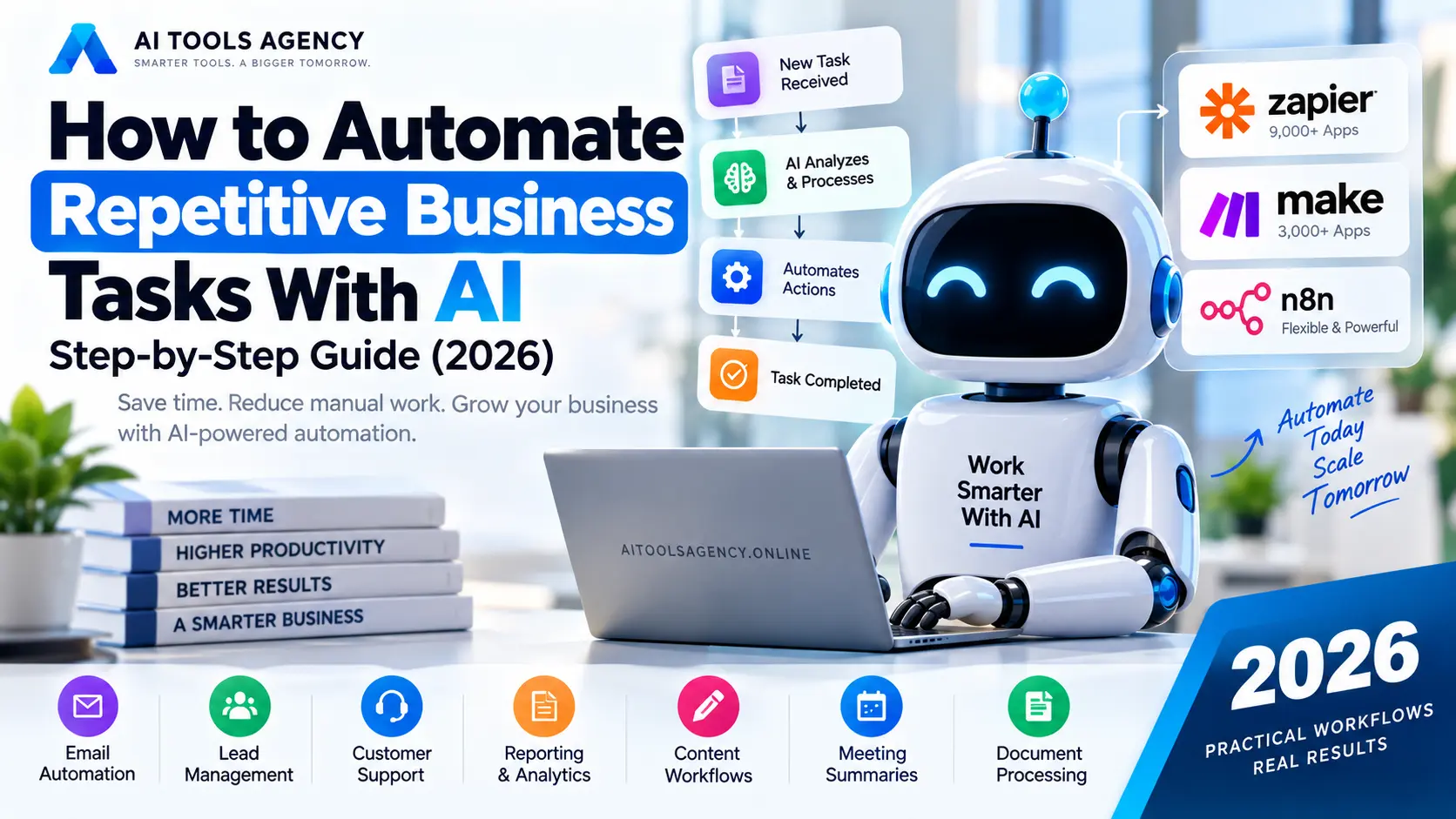
Three major options are Zapier, Make, and n8n.
Zapier
Zapier uses trigger-and-action workflows known as Zaps.
Its current platform connects apps, data, workflows, and AI models and supports more than 9,000 applications. AI steps can summarize, classify, draft content, and assist with decision-making inside automated workflows.
Zapier Copilot can also create or edit workflow outlines from plain-language instructions.
Therefore, Zapier can be attractive for businesses that want relatively straightforward no-code automation.
Make
Make provides visual workflow automation where processes are built as scenarios.
Its current AI Agents can operate directly inside the Make canvas and can work across more than 3,000 applications. Make emphasizes visual reasoning, workflow visibility, and combining AI decisions with deterministic automation.
This makes Make useful when you want to visually understand how information travels through a workflow.
n8n
n8n is popular with businesses and developers who want greater workflow flexibility and control.
Its AI workflows can combine conventional automation with AI agents that interpret information, select actions, and interact with external tools.
Later in our content plan, we will publish a complete n8n workflow automation tutorial.
For now, beginners should choose the platform they can understand and maintain rather than selecting the most technically powerful option.
Step 4: Decide Where AI Is Actually Needed
One of the biggest automation mistakes is adding AI to every step.
You do not need artificial intelligence to:
- copy a name into another database;
- send a fixed notification;
- add a row to Google Sheets;
- create a calendar event;
- move a file;
- update a CRM field.
Traditional automation handles these actions more predictably.
AI becomes valuable when the workflow needs to:
- understand natural language;
- summarize information;
- classify text;
- extract details from unstructured content;
- generate personalized drafts;
- interpret customer intent;
- analyze sentiment;
- transform messy information into structured data.
For example, a support ticket saying:
“My payment went through but my account still says inactive.”
could be classified by AI as:
Category: Billing
Priority: High
Intent: Payment activation issue
Suggested department: Accounts
The remaining workflow can then use fixed rules.
Step 5: Automate Lead Management With AI
Lead management is one of the most useful AI automation examples.
Imagine someone submits a contact form on your website.
The workflow could become:
Website Form → AI Analysis → CRM → Sales Assignment → Draft Reply → Notification
The AI could analyze:
- requested service;
- estimated urgency;
- company type;
- budget information;
- customer intent;
- location;
- message quality.
Then predefined logic can route the lead.
For example:
If service = Website Development
→ Assign Web Team

If service = AI Automation
→ Assign Automation Team

If budget > defined threshold
→ Mark High Priority
AI can also draft the first response.
However, for high-value clients, the salesperson should still review the message before it is sent.
This creates a strong balance between speed and human control.
Step 6: Automate Email Processing
Businesses receive huge numbers of repetitive emails.
Instead of manually reading every message, an AI workflow can classify them.
For example:
New Email → AI Classification → Route → Summarize → Notify
Possible categories include:
- customer support;
- sales inquiry;
- billing;
- partnership;
- complaint;
- spam;
- job application.
The AI can also extract important details.
A long client email could automatically produce:
Client:
Requested Service:
Deadline:
Budget:
Main Concern:
Required Action:
Priority:
The summary could then be sent to Slack, Microsoft Teams, a CRM, or a task-management platform.
Employees still handle important decisions, but they spend less time organizing incoming information.
Step 7: Automate Customer Support
Customer support contains many repeated questions.
Examples include:
- “Where is my order?”
- “How do I reset my password?”
- “What is your refund policy?”
- “When will my order arrive?”
- “How can I update my account?”
An AI-supported workflow can first identify the question.
Simple requests can be answered using approved knowledge.
More complicated requests can be escalated.
A practical structure is:
Customer Message → AI Intent Detection → Knowledge Search → Draft Answer → Confidence Check → Reply or Human Escalation
The escalation step is important.
You should not allow an AI system to confidently invent answers when it does not have reliable information.
Step 8: Automate Business Reporting
Weekly and monthly reporting often requires people to collect data from several systems.
That process can be partially automated.
For example:
Google Sheets + CRM + Analytics → Collect Data → AI Summary → Email Report
AI could transform raw numbers into a readable summary such as:
Sales increased compared with last week.

The strongest source of new leads was organic search.

Customer support requests increased mainly because of billing questions.

Three high-value leads have not received follow-ups.
However, financial or performance numbers should come directly from trusted systems.
The AI’s role should usually be to explain and summarize data, not invent the data itself.
Step 9: Automate Content Workflows
AI can also remove repetitive steps from content production.
Suppose your business publishes two articles every day.
A content workflow might include:
Topic → Research → Outline → Draft → SEO Check → Featured Image → WordPress → Distribution
Not every step should be completely automatic.
Research should come from reliable sources, while publishing should ideally involve human review.
However, automation can help with:
- generating structured briefs;
- preparing outlines;
- formatting content;
- creating summaries;
- generating social snippets;
- updating content calendars;
- notifying editors;
- assigning tasks.
For more examples of AI writing tools, see our guide to the best AI writing tools for bloggers.
Step 10: Automate Meetings and Follow-Ups
Meetings often create hidden administrative work.
After a meeting, someone usually needs to:
- summarize discussion;
- identify decisions;
- list tasks;
- assign responsibilities;
- create deadlines;
- send notes.
AI can perform much of that organizational work.
A workflow could follow:
Meeting Transcript → AI Summary → Extract Tasks → Create Project Tasks → Email Participants
A structured AI output could include:
Meeting Summary

Main Decisions:
1.
2.
3.

Action Items:
Task:
Owner:
Deadline:

Open Questions:
Employees can review the results before tasks are finalized.
Step 11: Automate Document Processing
Businesses regularly receive PDFs, forms, invoices, contracts, applications, and reports.
AI can help extract information from documents and turn it into structured data.
For example:
Document Uploaded → Extract Text → AI Analysis → Structured Data → Database
An invoice workflow might extract:
- supplier;
- invoice number;
- date;
- items;
- total;
- tax;
- payment deadline.
A human approval step can then verify important financial information.
This approach can dramatically reduce manual data entry while maintaining control over critical transactions.
Step 12: Add Human Approval Points
One of the most important principles in AI automation is knowing when not to automate a decision completely.
Human review should remain for activities such as:
- large payments;
- legal decisions;
- employee termination;
- sensitive customer disputes;
- important contracts;
- significant financial commitments;
- irreversible system changes;
- high-value proposals.
For example:
AI Creates Proposal
↓
Manager Reviews
↓
Approved?
↓
YES → Send
NO → Return for Editing
AI performs repetitive preparation while the person retains responsibility for the important decision.
Step 13: Test the Workflow With Real Scenarios
Never launch an important automation after testing only one example.
Use different scenarios.
For example, if automating leads, test:
- normal inquiry;
- incomplete form;
- spam message;
- angry customer;
- very long message;
- missing phone number;
- high-value prospect;
- duplicate lead.
Then examine what happens at every step.
Ask:
- Did AI classify correctly?
- Was information saved correctly?
- Did the right employee receive it?
- Could the workflow accidentally send incorrect information?
- What happens if an application is offline?
- What happens when AI cannot understand the input?
Good automation includes failure handling.
Step 14: Monitor and Improve AI Automations
Automation is not something you build once and forget forever.
Applications change.
APIs change.
Business rules change.
AI models change.
Customer behavior changes.
Therefore, monitor:
- failed workflow executions;
- AI classification accuracy;
- processing costs;
- duplicate actions;
- response quality;
- human correction rates;
- completion time.
Platforms are increasingly adding visibility for this reason. For example, Make’s current AI Agent environment emphasizes visible decisions and workflow execution so teams can inspect and adjust agent behavior.
Practical AI Automation Examples for Small Businesses
A small business does not need an enormous enterprise automation system.
Start with one useful process.
| Business Area | Possible AI Automation |
|---|---|
| Sales | Qualify and route incoming leads |
| Customer Support | Categorize tickets and draft replies |
| Marketing | Generate campaign drafts and summaries |
| Classify and summarize incoming messages | |
| Meetings | Create summaries and action items |
| Reporting | Explain weekly business metrics |
| E-commerce | Categorize customer requests |
| HR | Organize applications and candidate information |
| Operations | Extract information from documents |
| Management | Generate scheduled summaries |
The biggest improvement usually comes from connecting several small actions into one complete workflow.
Traditional Automation vs AI Automation
Traditional automation remains extremely valuable.
Consider this:
New order received
→ Add order to spreadsheet
→ Send confirmation
→ Notify warehouse
No AI is required.
However:
Customer sends free-form request
→ Understand request
→ Determine department
→ Extract important details
→ Generate personalized draft
is much better suited to AI.
Therefore, businesses should use rules where rules are enough and AI where judgment is useful.
That principle improves reliability and reduces unnecessary AI costs.
Which AI Automation Tool Should You Start With?
There is no universal answer.
Zapier can suit users who want broad app connectivity and relatively straightforward workflows. Its current ecosystem includes more than 9,000 apps and AI-enabled workflow steps.
Make is useful for people who prefer highly visual workflows and want to combine automation with increasingly sophisticated AI agents. Its current agent platform supports orchestration across more than 3,000 applications.
n8n is worth exploring when greater technical control, customization, self-hosting possibilities, or advanced AI workflows matter.
Rather than choosing based on popularity, first identify your workflow requirements.
Then select the platform that can implement them reliably.
You can explore more tools and guides through our AI tools and resources hub.
Common AI Automation Mistakes
Automation can create problems when implemented carelessly.
Avoid these mistakes:
- automating a broken process;
- using AI when simple rules are sufficient;
- giving AI unnecessary system permissions;
- automatically sending important messages without review;
- ignoring failed executions;
- using unreliable data;
- building overly complicated workflows;
- failing to protect sensitive information.
Start small.
Measure results.
Then gradually automate more of the process.
How to Automate Repetitive Business Tasks With AI Safely
A practical implementation framework is:
1. Identify repetitive task
2. Document existing process
3. Remove unnecessary steps
4. Separate rule-based and AI tasks
5. Choose automation platform
6. Connect required applications
7. Add AI processing
8. Add validation
9. Add human approval where needed
10. Test multiple scenarios
11. Launch gradually
12. Monitor performance
This approach is usually better than attempting to build a completely autonomous AI agent immediately.
FAQ
Can AI automate repetitive business tasks?
Yes. AI can assist with tasks involving text classification, summarization, extraction, drafting, analysis, and routing. When combined with workflow automation, these capabilities can create complete automated business processes.
What business tasks should I automate first?
Start with high-frequency, low-risk tasks such as data entry, notifications, lead organization, email classification, reporting, meeting summaries, and repetitive administrative work.
Do I need coding to automate business tasks with AI?
Not necessarily. Platforms such as Zapier and Make provide visual or no-code workflow builders. Zapier Copilot can also help users create workflows through natural-language instructions.
What is the difference between AI automation and an AI agent?
Automation normally follows a defined process. AI agents can make more adaptive decisions about which tools or actions to use. Modern platforms increasingly combine both approaches.
Is AI automation suitable for small businesses?
Yes. Small businesses can begin with simple automations such as lead routing, email organization, meeting summaries, customer support classification, and reporting.
Should AI automatically send customer emails?
It depends on the workflow and risk. Low-risk, highly standardized messages may sometimes be automated. However, important sales, legal, financial, or sensitive customer communications should usually include human review.
Final Thoughts
Learning how to automate repetitive business tasks with AI does not mean trying to remove people from every process.
The more useful goal is removing repetitive work that prevents people from focusing on activities requiring creativity, relationships, strategy, and judgment.
Start with one process.
Understand every step.
Use traditional automation for predictable actions, AI for interpretation and generation, and humans for decisions that carry meaningful consequences.
Once the workflow works reliably, automate another process.
Over time, several small workflows can become a connected AI automation system that saves hours of manual work every week.
For more practical automation strategies, explore our AI Automation guides, and if you are still deciding which AI assistant fits your work, read our ChatGPT vs Claude vs Gemini comparison.

