


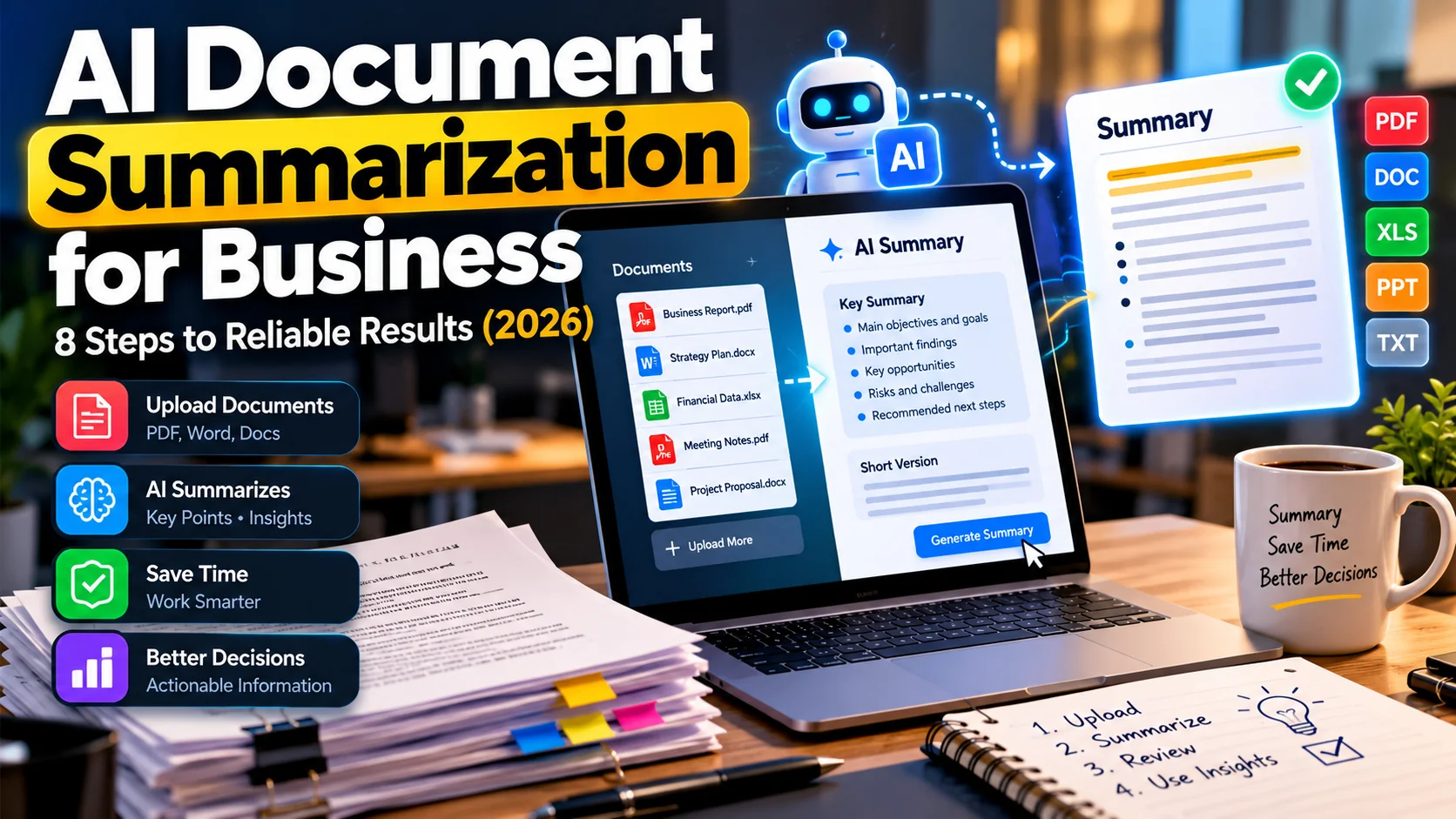
Teams regularly need to understand contracts, policy updates, long reports, proposals, customer research, and meeting attachments. However, reading everything line by line is not always practical, but accepting a polished AI summary without checking the source can be worse than reading slowly. AI document summarization for business works best when it helps people find the important passages quickly while keeping the underlying evidence available.
This 2026 guide explains eight steps for creating useful summaries, how to handle confidential documents, and which errors to watch for. In other words, it is a workflow guide, not a claim that AI can replace legal, financial, or other expert review.
What is AI document summarization?
AI document summarization converts a longer source into a shorter overview, outline, brief, or action list. A business might summarize a 30-page service proposal into decisions, risks, deadlines, and pricing assumptions. Ultimately, the quality of the result depends on the input, the instruction, the model, and—critically—the review process.
Two approaches are common. Extractive summarization selects or quotes important source passages; abstractive summarization rewrites key ideas in new language. Either approach may omit a material exception. Therefore, the final output should make it easy to inspect the relevant original text.
8 steps for reliable AI document summaries
1. Decide what decision the summary supports
Before uploading a file, identify who will read the result and what they need to do next. A manager evaluating software vendors needs pricing, dependencies, and contract exceptions. An operations team reading a procedure needs steps, owners, safety notes, and unusual situations. By contrast, one generic “summarize this PDF” prompt rarely fits both audiences.
Write a one-sentence objective such as: “Prepare a one-page briefing that highlights vendor obligations, exclusions, renewal terms, and questions requiring approval.”
2. Check document quality and completeness
Confirm that all pages and appendices are present. For example, scans with blurred text, screenshots of tables, or files with missing pages can lead to incomplete output. If a document includes diagrams, handwritten notes, formulas, or exhibits, verify whether the selected tool can read them. In addition, keep a record of the document version and date so nobody mistakes a draft for an approved final file.
3. Protect confidential information
Review the service’s data-handling terms, account settings, retention options, and access permissions before processing confidential material. Next, redact unnecessary customer identifiers, payment details, medical information, and credentials. For sensitive information, use an approved enterprise environment or an internal process that fits your organization’s rules.
A summary tool should not be authorized to share a source document with everyone just because its output is short. The same principle appears in broader AI agent security guidance.
4. Ask for a structured output with source references
Provide explicit sections rather than a vague request. For a business contract, these might be: purpose; parties and scope; obligations; fees; deadlines; exceptions; unresolved questions. In addition, instruct the tool to provide page or section references where available and to write “not stated in document” instead of guessing.
Use this reusable instruction as a starting point:
Summarize this document for a business manager. Include the five most important facts, obligations and deadlines, financial terms, exceptions, and questions for a human reviewer. Cite the section or page supporting each material claim. Do not infer missing facts. Clearly label uncertain or unreadable passages.
5. Separate facts, interpretations, and recommendations
A source might state that support is available during local business hours. However, the summary should not transform that into “24/7 customer support.” Likewise, a proposal’s estimated implementation schedule is not an unconditional guarantee. Use separate headings for documented facts, possible implications, and recommended next steps.
When numbers matter, confirm units, currency, effective dates, exclusions, and whether amounts are one-time or recurring.
6. Verify claims against the original passages
Choose high-risk statements first: payment obligations, cancellation periods, technical requirements, legal conditions, promises about security, and performance figures. Next, open the relevant passage and compare meaning, not merely matching words. If the tool produces a reference that does not exist, correct the output instead of treating the reference as evidence.
For example, a practical sample review can compare ten randomly selected claims with the source. If several are wrong, revise the prompt, improve the input, or stop using that configuration for similar documents.
7. Convert the summary into a usable business artifact
Different readers need different formats. An executive may want a five-bullet decision brief. Meanwhile, a project manager may need a table of tasks, owners, due dates, and blockers. A customer-support team may want a searchable FAQ. However, avoid storing an attractive summary without identifying where it belongs and who maintains it.
For ongoing document organization, see our AI knowledge management guide. Summaries become more valuable when linked to their source, version, and owner.
8. Approve, store, and periodically review
Mark each summary as a draft, reviewed, or approved. Then, preserve the original and the date of review. Also, set a review interval for changing policies or product specifications. If the source changes, refresh the summary and communicate material differences instead of silently overwriting historical decisions.
Which business documents are suitable?
| Document | Useful summary | Important human check |
|---|---|---|
| Project proposal | Scope, timeline, exclusions | Commercial assumptions and deliverables |
| Internal policy | Rules, exceptions, action owners | Current approved version |
| Market research | Findings, sample, limitations | Evidence and methodological caveats |
| Supplier agreement | Fees, terms, termination, obligations | Legal and financial interpretation |
| Long customer interview | Themes and evidence quotes | Context and consent |
Common errors to avoid
- Invented citations: a page number looks credible but does not support the claim.
- Lost exceptions: “refunds allowed” omits an eligibility restriction.
- Mixed versions: a draft, signed copy, and later amendment are treated as one document.
- Wrong tables: totals, column headings, or units are read incorrectly.
- Overconfident language: a conditional statement becomes a definite promise.
- Excessive sharing: confidential text enters an unapproved workflow.
A simple quality checklist
Before sharing a summary, check that the correct source and version are listed. Can a reader find the supporting passage? Verify numbers, dates, and exclusions. Also, distinguish interpretations from confirmed facts. Is the intended audience clear? Finally, has an accountable reviewer approved the output?
Finally, measure usefulness by how often readers can take the correct next action, not by how impressive the language sounds. If colleagues repeatedly need to reopen a document because exceptions were missed, redesign the summary template.
Frequently asked questions
Can AI summarize scanned PDFs?
Some tools can, but reliability depends on scan quality and text extraction. In particular, check tables, handwriting, footnotes, and exhibits carefully.
Is an AI document summary legally reliable?
It can help locate clauses or compare drafts, but it is not a substitute for qualified legal review when legal consequences matter.
How long should a business summary be?
Use the shortest format that preserves the information needed for the decision. A short executive brief and a detailed risk appendix can work together.
What should I do when the AI cannot find an answer?
Record “not stated” or “requires verification.” Do not fill the gap with a plausible guess.
Final takeaway
Reliable AI document summarization is a source-first review workflow: define the decision, verify the input, protect sensitive data, request traceable answers, inspect important claims, and approve the final brief. To explore related team workflows, read 15 AI workflow automation examples.

