


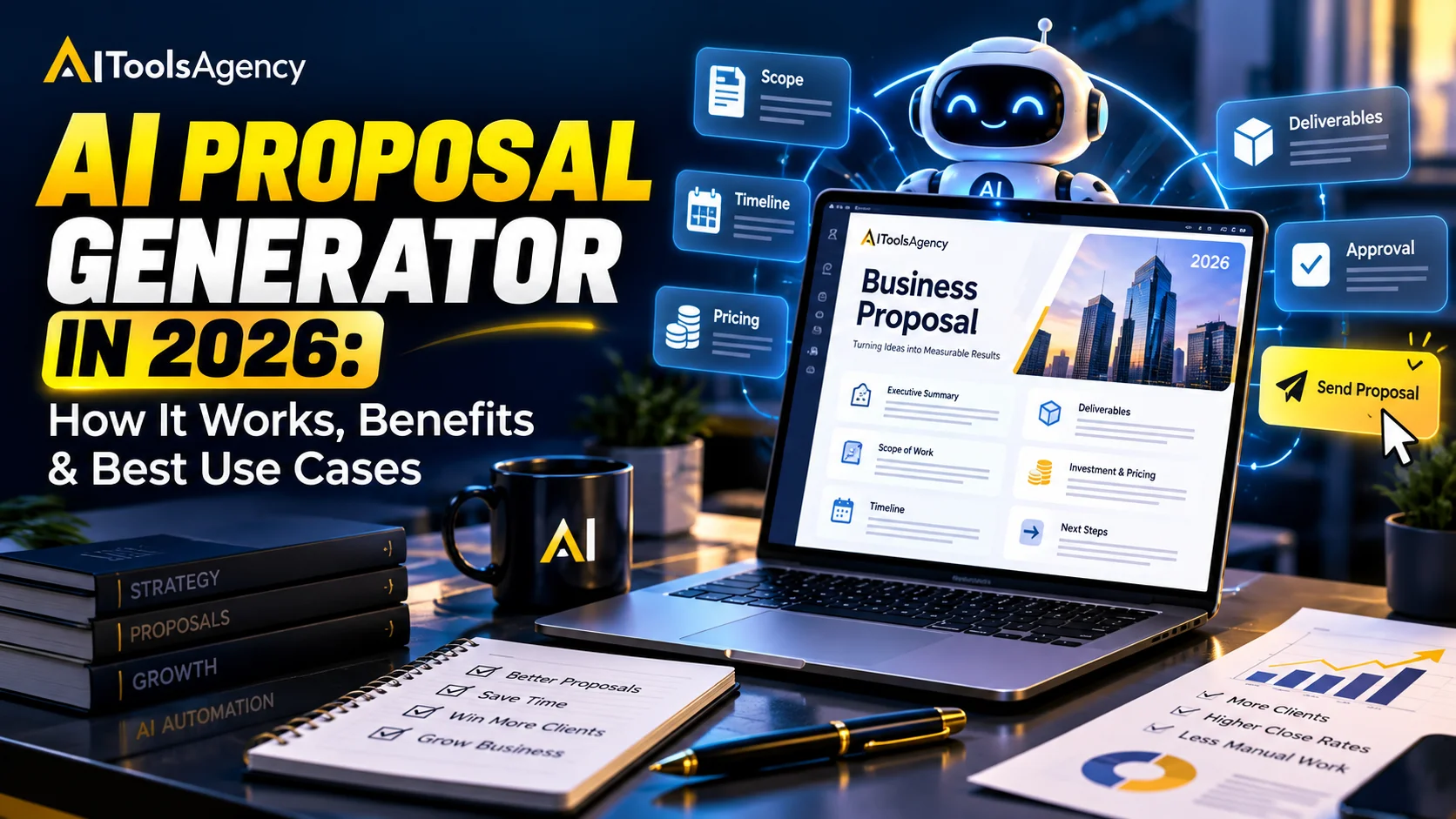
An AI proposal generator helps businesses, agencies, freelancers, and sales teams create professional proposals faster by turning a short brief, discovery notes, pricing information, or client requirements into a structured first draft.
Quick answer: an AI proposal generator is most useful when it speeds up repetitive proposal writing without making business decisions for you. The strongest workflow lets AI draft the structure and wording while a person reviews scope, pricing, timelines, claims, and contractual commitments before anything goes to the client.
Search demand around this category is active in 2026. Current third-party keyword data shows roughly 590 monthly US searches for “AI proposal generator,” which makes the topic relevant for freelancers, agencies, consultants, and small businesses looking to speed up sales documentation.
What Is an AI Proposal Generator?
An AI proposal generator is software that uses artificial intelligence to draft business proposals from prompts, templates, notes, or existing documents. In many cases, the tool asks for the client name, project goal, scope, deliverables, timeline, and pricing context before creating a first draft.
However, the quality of the output depends heavily on the information you provide. If the input is vague, the proposal will usually sound generic. Therefore, the best results come from clear discovery notes, accurate service details, and approved pricing information.
Modern document tools already support this style of assisted drafting. For example, Microsoft Copilot in Word can draft new content from prompts, outlines, notes, and reference files. Similarly, Gemini in Google Docs can create and refine a first draft from instructions.
How Does an AI Proposal Generator Work?
A typical workflow looks like this:
Client enquiry → discovery notes → AI draft → scope review → pricing added → human approval → proposal sent
First, the user provides context. Next, the AI organizes that information into a proposal structure. Then, it drafts sections such as the introduction, problem statement, solution, deliverables, timeline, next steps, and closing.
Finally, a person checks the business details before sending the proposal. This review step matters because AI can invent details, misunderstand scope, or create promises that your business never approved.
What Should an AI-Generated Proposal Include?
A useful proposal usually includes the following sections:
- Client or project overview
- Problem or business need
- Recommended solution
- Scope of work
- Deliverables
- Timeline or milestones
- Pricing or investment
- Assumptions and exclusions
- Next steps
- Approval or signature process
In addition, the proposal should use language that matches the client and project. A proposal for a local restaurant website should not sound like an enterprise software tender. Therefore, tone and context matter just as much as structure.
What Are the Best Use Cases for an AI Proposal Generator?
Freelance Project Proposals
Freelancers can turn a client brief into a first draft for web development, design, marketing, writing, consulting, or other professional services.
For example, instead of rewriting the same introduction for every client, AI can adapt an approved structure to the new project.
Agency Sales Proposals
Agencies can use AI to combine discovery notes, service descriptions, case-study references, deliverables, and timelines into a consistent proposal.
This works especially well when the business already has standard service packages and proposal templates.
Consulting Proposals
Consultants can use AI to organize a problem statement, recommended approach, work phases, deliverables, and expected outcomes.
However, the consultant should still define the actual methodology and commercial commitments.
Software and Automation Projects
For technical projects, AI can help summarize requirements and turn them into a readable proposal. It can also explain complex deliverables in simpler business language.
For related sales automation ideas, see our guide on AI sales assistants in 2026.
Retainer Renewals and Upsells
AI can also help create renewal proposals by summarizing current work, proposed improvements, additional services, and the next engagement period.
What Information Should You Give the AI?
Better input usually creates a better proposal. Therefore, provide the AI with useful business context rather than one vague sentence.
A strong input can include:
- Who the client is
- What problem they want to solve
- What they asked for
- What you recommend
- Which services are included
- What is not included
- Expected timeline
- Approved pricing information
- Relevant proof or case studies
- Preferred tone
Microsoft’s guidance on effective Copilot prompts recommends including the audience, purpose, source material, format, tone, length, and constraints. That same principle applies directly to proposal generation.
What Are the Main Benefits?
Faster First Drafts
AI can reduce the time needed to move from discovery notes to a structured proposal.
More Consistent Structure
A template plus AI can help every proposal follow the same approved format. As a result, the business looks more professional and organized.
Better Use of Discovery Notes
AI can summarize long meeting notes and identify the client’s main priorities before drafting.
If your sales process includes recorded calls, our AI meeting assistant guide explains how meeting notes can feed later workflows.
Easier Personalization
Instead of sending the same generic proposal to every prospect, AI can adapt wording around the client’s actual needs.
Less Repetitive Writing
Teams can spend less time rewriting standard sections and more time improving the actual solution.
What Are the Risks of AI Proposal Generators?
Invented Facts
AI may add achievements, features, or business claims that you did not provide. Therefore, verify every factual statement.
Incorrect Scope
A generated proposal may accidentally include work your team never agreed to deliver. Always compare the draft with the discovery notes.
Pricing Errors
Do not let AI invent pricing. Use approved prices, calculations, and commercial rules from your own system.
Generic Language
If the input is weak, the proposal can sound like a template. Add real client context and remove unnecessary filler.
Confidential Information
Client proposals may contain sensitive business information. Therefore, check the privacy and data-handling rules of any AI tool before uploading confidential files.
AI Proposal Generator vs Traditional Proposal Template
| Area | Traditional Template | AI Proposal Generator |
|---|---|---|
| Speed | Fast once completed manually | Can create a first draft quickly |
| Personalization | Requires manual editing | Can adapt to client context |
| Consistency | Strong with templates | Strong when built on templates |
| Risk | Manual copy-paste errors | Can invent or misread details |
| Human review | Still required | Essential before sending |
How Can You Use AI Proposal Generation in a Sales Workflow?
The biggest benefit appears when proposal drafting connects to the rest of the sales process.
For example:
Lead qualified → meeting held → notes summarized → proposal draft created → salesperson reviews → pricing confirmed → proposal sent → follow-up scheduled
This workflow reduces manual copying between meetings, CRM records, documents, and email.
For more examples of connected processes, see our guide to AI workflow automation examples.
How Do You Choose an AI Proposal Generator?
Before choosing a tool, check the following:
- Template support
- Branding controls
- Document export
- CRM integration
- Pricing-table support
- Collaboration and approvals
- Electronic signatures
- Privacy and data controls
- Revision history
- Human review workflow
In addition, test the tool with a real proposal. A good product should make the draft more useful without forcing you to rewrite everything.
How Should a Small Business Start?
Start with one existing proposal template that already works.
Next, identify the sections that change for every client and the sections that should remain fixed. Then give the AI approved information for the variable sections only.
Finally, create a review checklist that covers scope, pricing, dates, claims, links, and client information before anyone sends the document.
This approach is safer than asking AI to build every proposal from scratch.
Frequently Asked Questions
What is an AI proposal generator?
An AI proposal generator is a tool that uses artificial intelligence to draft business proposals from prompts, project details, templates, or source documents.
Can AI write a complete business proposal?
Yes, AI can create a full first draft. However, a person should review scope, pricing, claims, timelines, and contractual language before sending it.
Can freelancers use AI proposal generators?
Yes. Freelancers can use them to create faster first drafts for client projects while keeping the final proposal personalized.
Should AI decide the price in a proposal?
No. Use approved pricing rules and business calculations. AI can format pricing information, but it should not invent the numbers.
Are AI-generated proposals safe to send automatically?
For low-risk drafts, automation can help. However, proposals usually contain commercial commitments, so human approval is the safer default.
Final Thoughts
An AI proposal generator can save meaningful time, especially for businesses that create similar proposals every week.
However, speed should not replace accuracy. Use AI to draft, organize, and personalize the document while keeping people responsible for scope, pricing, promises, and final approval.
Start with a proven template, connect it to reliable client information, and automate only the parts you can review easily. As a result, you can create proposals faster without lowering their quality.

