


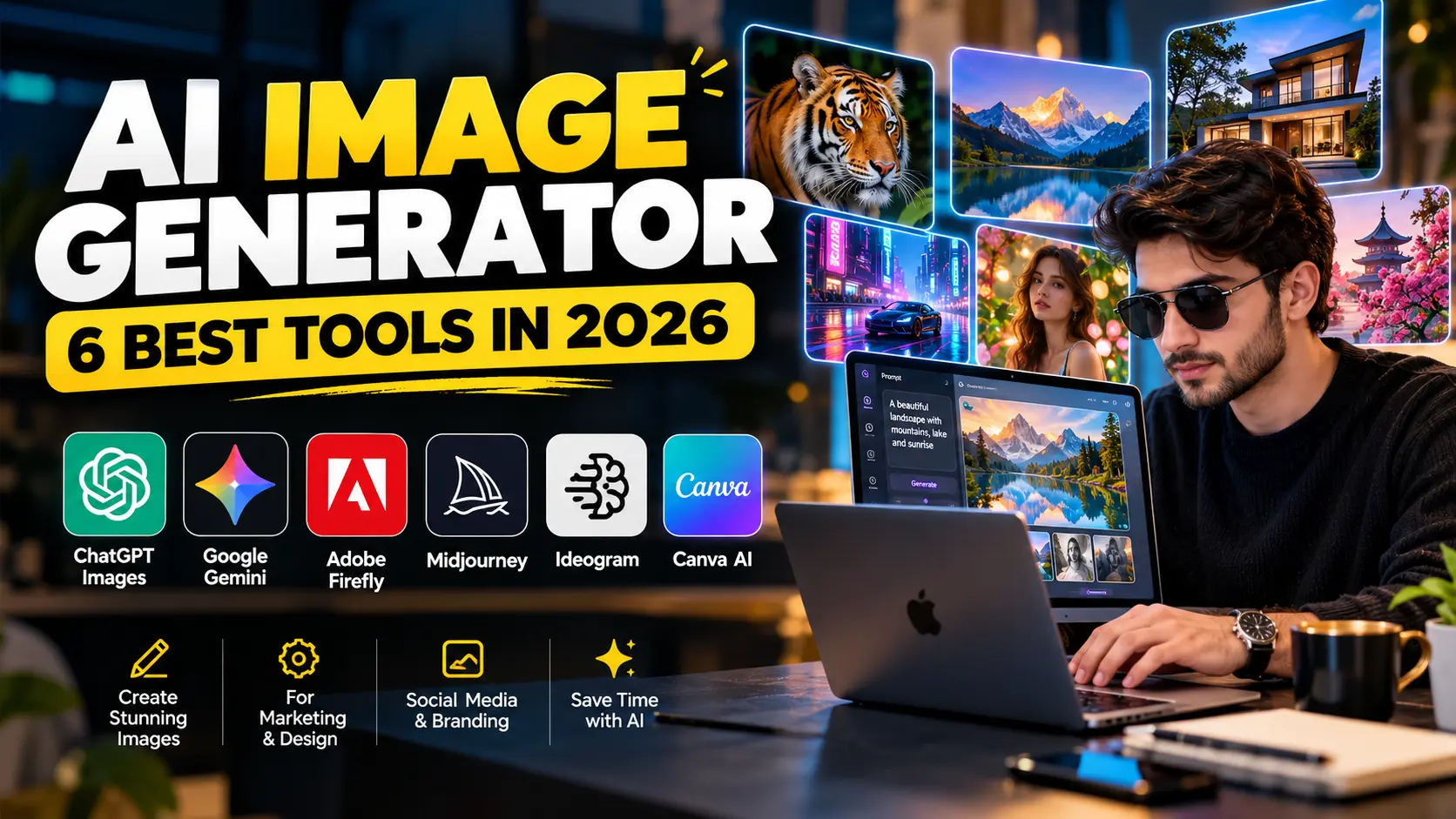
AI image generation has become one of the biggest areas of generative AI.
According to current Ahrefs search-demand data, “ai image generator” receives around 361,000 US searches per month, with year-over-year demand still growing. That makes it one of the largest AI-related search categories in 2026.
However, choosing the right AI image generator is not simple.
Some platforms focus on realistic photography. Others are better for marketing graphics, text inside images, editing, branding, or quick social media content.
For example, ChatGPT Images is strong when you want to generate and edit through conversation. Meanwhile, Google’s Nano Banana models focus heavily on fast generation and consistency. Adobe Firefly gives designers more control through reference images and creative settings.
Therefore, the best tool depends on what you actually want to create.
If you are still exploring the wider AI landscape, the AI Tools hub includes reviews, comparisons, automation guides, and practical AI resources.
In this guide, we compare six leading AI image generators in 2026 and explain where each one fits best.
What Is an AI Image Generator?
An AI image generator creates new visuals from instructions.
Usually, you describe what you want in plain language. The model then produces an image based on your prompt.
For example:
A modern SaaS office at night, cinematic blue lighting, laptop showing an AI dashboard, realistic photography, premium advertising style.
The AI can then generate a visual that matches that description.
However, modern tools go far beyond simple text-to-image generation.
Depending on the platform, you may also be able to:
- edit existing photos;
- replace objects;
- change backgrounds;
- add readable text;
- use reference images;
- control composition;
- create transparent backgrounds;
- generate different aspect ratios;
- maintain character or subject consistency;
- refine the same image through conversation.
As a result, AI image generators are becoming useful for marketers, bloggers, agencies, e-commerce brands, designers, and content creators.
1. ChatGPT Images — Best All-Round AI Image Generator
ChatGPT has become a strong option for users who want image creation and editing inside the same conversational workflow.
OpenAI’s current ChatGPT Images experience supports creating new visuals, editing uploaded images, changing details, adding text, and producing transparent backgrounds. It is available across ChatGPT tiers, although some advanced image capabilities vary by plan.
Why ChatGPT Images Is Useful
The biggest advantage is conversation.
Instead of rewriting a complicated prompt every time, you can simply say:
Make the background darker.
Then:
Move the laptop slightly to the right.
After that:
Replace the blue lighting with warm sunset light.
This makes the process feel closer to working with a creative assistant.
In addition, ChatGPT can preserve much of the original scene while making targeted changes.
That is especially useful for marketers who need several variations of the same visual.
Good Uses for ChatGPT Images
ChatGPT Images works well for:
- blog featured images;
- social media graphics;
- advertising concepts;
- product mockups;
- website hero visuals;
- thumbnails;
- presentation illustrations;
- creative brainstorming.
If you already use ChatGPT for writing, our ChatGPT Review explains more about the platform’s wider capabilities.
Where It Stands Out
ChatGPT is particularly useful when the image is part of a larger workflow.
For example, you could:
- research a blog topic;
- write the outline;
- draft the article;
- create the featured image;
- generate social media variations.
Therefore, creators can reduce the number of separate tools they need.
Limitation
AI-generated visuals still need inspection.
Small text, logos, hands, product details, and brand elements may require correction.
For that reason, important commercial images should always receive a final human review.
2. Google Gemini Nano Banana 2 — Best for Fast Generation and Consistency
Google’s image-generation ecosystem has evolved rapidly.
Its Nano Banana 2 model is designed for high-quality image generation and editing with faster iteration, improved world knowledge, and subject consistency. Google also highlights production-ready specifications and stronger text handling.
Why Gemini Is Interesting
Speed matters during creative work.
A marketer may need ten visual ideas before choosing one.
Similarly, an agency may need several layouts for a client presentation.
Because Nano Banana 2 focuses on fast generation and editing, it can support that kind of rapid experimentation.
Subject Consistency
Consistency is also important.
Suppose you want the same person, product, or visual style across multiple images.
A weak image generator may change facial features, colors, or objects between generations.
Google specifically emphasizes subject consistency in Nano Banana 2. Therefore, it can be useful for campaigns that require related visuals rather than unrelated one-off images.
Personalized Image Creation
Gemini can also use connected Google context in supported experiences.
For eligible users, Google has introduced image workflows that can use Google Photos and Personal Intelligence to create more personalized visuals with less manual prompting.
Best For
Gemini is a good fit for:
- fast creative iteration;
- personalized visuals;
- concept art;
- marketing images;
- image editing;
- subject-consistent campaigns.
If you want to compare Google’s assistant with other general AI platforms, read our ChatGPT vs Claude vs Gemini comparison.
3. Adobe Firefly — Best for Designers and Brand-Controlled Work
Adobe Firefly is built more directly around creative production.
Instead of simply generating an image from a sentence, Firefly provides several controls that help designers shape the result.
For example, Adobe allows users to guide output with style-reference images. You can upload an existing visual and influence the new image’s look, lighting, texture, or overall aesthetic.
Reference Images
This feature can be useful for branding.
Imagine that your business already has a consistent visual style.
You could upload a reference asset and then generate new images that follow a similar mood.
As a result, the final outputs can feel more connected to the rest of the campaign.
Composition Controls
Firefly also supports composition reference images.
Therefore, you can guide where subjects appear in the frame rather than relying entirely on the model to choose the layout.
This can be valuable for:
- advertisements;
- website banners;
- product visuals;
- branded social posts;
- presentation graphics.
Multiple Models
Adobe’s current Firefly environment also supports its own image models alongside selected third-party models.
In addition, users can choose between options such as Firefly Image 4 and Image 4 Ultra for different generation needs.
Best For
Adobe Firefly is especially useful for:
- designers;
- creative agencies;
- marketers;
- brand teams;
- commercial campaign workflows.
Limitation
Firefly offers more controls than a basic chatbot, but that also means the interface can feel more complex.
Therefore, beginners who only need quick images may prefer ChatGPT or Canva.
4. Midjourney — Best for Artistic and Premium Visual Style
Midjourney remains popular among creators who care heavily about aesthetic quality.
It is often used for concept art, advertising ideas, editorial visuals, fantasy scenes, environments, and stylized photography.
Unlike some tools with a free tier, Midjourney currently uses paid subscription plans.
Its official pricing lists:
- Basic: $10/month
- Standard: $30/month
- Pro: $60/month
- Mega: $120/month
Annual billing offers lower effective monthly pricing.
Why Creators Use Midjourney
Midjourney is useful when the visual style matters more than workflow simplicity.
For example, a designer may want:
- luxury editorial photography;
- cinematic scenes;
- artistic environments;
- concept visuals;
- highly stylized advertisements.
In those cases, Midjourney can produce strong creative directions.
Relax Mode
Standard, Pro, and Mega plans include unlimited image generations through Relax Mode.
Therefore, users who create large numbers of exploratory visuals may find higher plans more practical.
Privacy Consideration
Stealth Mode is limited to Pro and Mega plans.
This matters if a company does not want its generated work visible publicly.
Best For
Midjourney suits:
- artists;
- designers;
- advertising teams;
- concept creators;
- creative directors;
- premium visual content.
Limitation
Midjourney may not be the easiest choice for beginners.
Users who prefer simple conversational editing may find ChatGPT or Gemini easier.
5. Ideogram 4.0 — Best AI Image Generator for Text and Layout
Ideogram deserves special attention when your image contains words.
Text rendering has traditionally been one of the biggest weaknesses in AI-generated images.
A model might produce a beautiful poster but misspell the headline.
Ideogram 4.0 specifically focuses on text rendering, layout control, multilingual typography, and realistic 2K output.
Better Text Inside Images
Ideogram states that its text-rendering system achieves high accuracy and is designed for publication-ready typography.
That makes it useful for:
- posters;
- book covers;
- product packaging;
- advertisements;
- social media graphics;
- signs;
- promotional images.
Layout Control
Ideogram 4.0 also supports bounding-box positioning.
In practical terms, you can tell the system where elements should appear.
For example:
- headline at the top;
- product on the right;
- logo in the lower-left corner.
Therefore, designers can get closer to a planned layout instead of relying completely on random composition.
Open Weights
Another major change in 2026 is that Ideogram 4.0 is available as an open-weight model under a commercial license.
Enterprises can also fine-tune and deploy it inside their own infrastructure.
Best For
Ideogram is especially strong for:
- typography;
- posters;
- branded graphics;
- packaging concepts;
- layouts with text;
- design workflows.
Limitation
If your main goal is quick conversational editing, ChatGPT may still feel simpler.
However, for text-heavy visual design, Ideogram is particularly interesting.
6. Canva AI — Best for Social Media and Everyday Marketing
Canva is already widely used by marketers and small businesses.
Therefore, its AI image tools fit naturally into existing design workflows.
Canva allows users to generate AI images and then continue editing inside the Canva editor.
In addition, users can combine generated visuals with templates, brand colors, text, logos, social media formats, and presentation layouts.
Why Canva Works Well for Marketing
Imagine that you need an Instagram campaign.
You can:
- generate an image;
- place it in a branded template;
- add the headline;
- resize it for Facebook;
- create a Story version;
- export everything.
As a result, image generation becomes part of a broader content-production workflow.
Canva’s AI platform has also continued expanding into more conversational and agentic creative workflows in 2026.
Best For
Canva works well for:
- social media managers;
- small businesses;
- bloggers;
- students;
- marketing teams;
- non-designers.
If you want a wider content workflow, our Best AI Tools for Content Creation guide covers writing, design, editing, and content-production tools together.
AI Image Generator Comparison
| Tool | Best For | Major Strength | Main Limitation |
|---|---|---|---|
| ChatGPT Images | All-round creation | Conversational editing | Needs review for fine details |
| Gemini Nano Banana 2 | Fast iteration | Speed and consistency | Availability varies by product/plan |
| Adobe Firefly | Professional design | Style and composition control | More complex interface |
| Midjourney | Artistic visuals | Strong aesthetic output | Paid-only subscription |
| Ideogram 4.0 | Text-heavy graphics | Typography and layout | More design-focused |
| Canva AI | Marketing content | Easy design workflow | Less advanced creative control |
Which AI Image Generator Should You Choose?
Your choice should start with the final use case.
Choose ChatGPT if you want simplicity
ChatGPT works well when you want to describe changes naturally.
In addition, it is useful if writing and image creation happen inside the same workflow.
Choose Gemini if speed matters
Gemini’s Nano Banana models focus heavily on fast generation and iterative editing.
Therefore, they suit creators who test many ideas quickly.
Choose Adobe Firefly if you need design control
Firefly provides reference-image, style, composition, and creative controls.
As a result, it fits more structured marketing and design work.
Choose Midjourney if visual style is your priority
Midjourney remains attractive for cinematic, artistic, and premium creative work.
However, it requires a subscription.
Choose Ideogram if your image needs text
Typography is often where AI-generated images fail.
Ideogram specifically focuses on readable text and layout control.
Choose Canva if you create social content
Canva makes it easy to move from generated image to finished marketing asset.
Therefore, it is especially useful for small businesses and social media teams.
How to Write Better AI Image Prompts
Better prompts usually lead to better results.
However, a prompt does not need to be extremely long.
Start with the important visual information.
Include the Subject
Describe the main object or person.
For example:
A young entrepreneur working on a laptop.
Add the Environment
Next, describe where the scene happens.
Inside a modern startup office at night.
Define the Lighting
Lighting can completely change the image.
For example:
Soft cinematic blue lighting with warm highlights.
Describe the Camera or Composition
If relevant, include framing.
Medium shot, shallow depth of field, subject slightly left of center.
Add the Intended Style
Finally, explain the look.
Premium commercial photography, realistic details, professional technology advertisement.
A stronger final prompt could be:
A young entrepreneur working on a laptop inside a modern startup office at night, cinematic blue lighting with warm highlights, medium shot, shallow depth of field, premium commercial photography.
As a result, the AI receives a much clearer creative direction.
Common AI Image Generator Mistakes
One common mistake is using extremely vague prompts.
For example:
Make an AI image.
The model has almost no useful direction.
Instead, explain the subject, setting, purpose, lighting, and style.
Another problem is trusting text inside generated images without checking it.
Although modern models have improved significantly, spelling errors can still happen.
In addition, businesses should inspect logos, products, faces, fingers, labels, and small visual details.
Finally, avoid generating dozens of images without a clear goal.
A better approach is to create a small number of strong concepts and refine the best one.
AI Image Generators for Marketing
AI image tools can significantly speed up marketing production.
For example, businesses can use them for:
- blog graphics;
- social posts;
- ads;
- presentation visuals;
- website banners;
- email graphics;
- product concepts.
However, AI generation should not replace brand consistency.
Your final assets should still use the correct:
- colors;
- fonts;
- logos;
- tone;
- product information.
Therefore, a useful workflow is:
AI concept → human review → brand editing → final publication
This approach combines speed with quality control.
Can AI Images Replace Stock Photography?
Sometimes they can.
If you need a conceptual image, AI may be faster than searching stock libraries.
For example, you can generate:
A futuristic AI dashboard floating above a laptop in a modern office.
Finding that exact scene in a stock-photo library could take much longer.
However, real products, real customers, events, employees, and documentary photography often still benefit from traditional photography.
Therefore, AI is best viewed as another creative option rather than a complete replacement.
Frequently Asked Questions
What is the best AI image generator in 2026?
There is no single best option for everyone.
ChatGPT is strong for conversational image creation and editing. Gemini focuses on fast generation and consistency, while Firefly provides professional design controls.
Meanwhile, Midjourney is strong for artistic visuals, Ideogram performs well with text, and Canva is convenient for social media.
Is there a free AI image generator?
Yes.
ChatGPT Images is available across ChatGPT tiers, while Canva and Gemini also provide AI image capabilities under different usage limits and account conditions.
However, free-generation limits can change.
Which AI image generator is best for text?
Ideogram is specifically designed around strong text rendering and layout control.
Its current 4.0 model supports multilingual text, precise positioning, and typography-focused generation.
Which AI image generator is best for marketing?
Canva and Adobe Firefly are particularly useful for marketing workflows.
Canva is simpler for quick branded assets, while Firefly provides deeper creative controls.
Can ChatGPT edit existing images?
Yes.
You can upload an image and describe the changes you want ChatGPT to make.
Final Thoughts
The AI image generator category has become far more capable in 2026.
ChatGPT offers an easy conversational workflow. Meanwhile, Gemini focuses on speed and consistency.
Adobe Firefly provides stronger professional controls, while Midjourney remains useful for artistic and cinematic visuals.
Ideogram stands out for typography and structured layouts. Finally, Canva makes AI image creation easy for everyday marketing and social media.
Therefore, do not choose a tool only because it is popular.
Choose the platform that fits your actual workflow.
For more AI reviews, tutorials, comparisons, and practical resources, explore the AI Tools hub.

