


Last updated: October 11, 2026
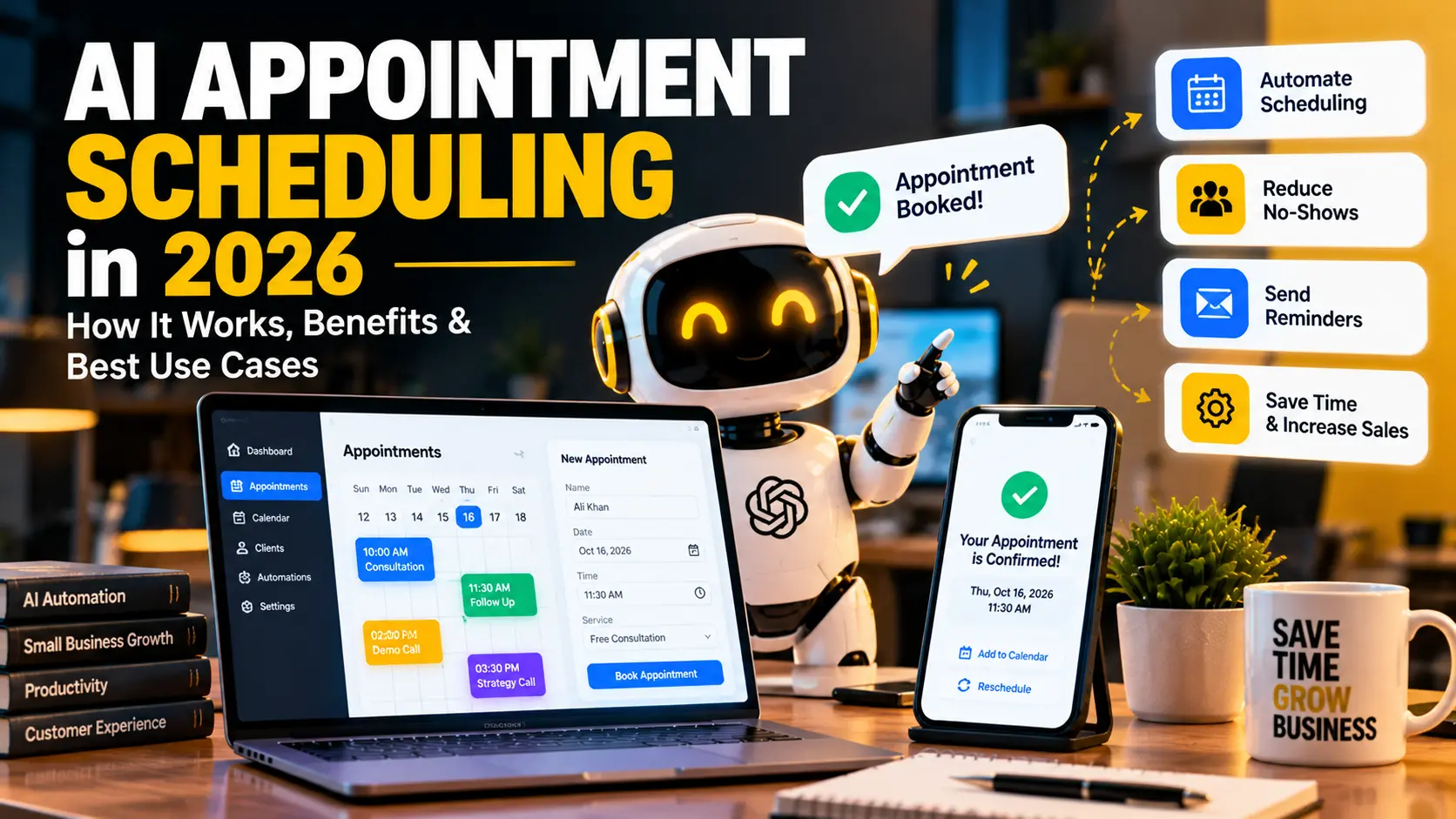
AI appointment scheduling uses artificial intelligence to help people find available times, coordinate meetings, answer scheduling questions, book appointments, reschedule events, send reminders, and sometimes manage follow-up work.
Quick answer: AI appointment scheduling is most useful when booking requires conversation or coordination. Instead of sending a static calendar link and waiting, an AI assistant can understand a request such as “book a 30-minute call next week after 2 PM” and take the next approved scheduling steps.
Calendly expanded its AI scheduling capabilities in 2026 with products such as Callie and its broader meeting workflow. The company also launched a Calendly MCP integration that lets AI tools manage meetings and availability. This reflects a wider shift from basic calendar links toward assistants that can work around meetings.
What Is AI Appointment Scheduling?
AI appointment scheduling is the use of artificial intelligence to understand scheduling requests and help complete booking tasks. It can work through email, chat, websites, voice agents, or connected AI assistants.
Traditional scheduling tools usually show available time slots. By contrast, an AI scheduling assistant can understand natural language and coordinate more complex requests.
For example:
“Find a 45-minute meeting next Tuesday or Wednesday afternoon when all three managers are free.”
A capable system can interpret the request, check approved availability, and suggest or book a suitable time.
How Does AI Appointment Scheduling Work?
A typical workflow looks like this:
Scheduling request → intent understood → calendars checked → rules applied → time proposed → participant confirms → event created → reminder sent
In addition, some systems can handle rescheduling, cancellation, time-zone conversion, meeting preparation, and follow-up notes.
The exact workflow depends on the platform and permissions.
What Can AI Scheduling Do Better Than a Calendar Link?
Understand Natural Language
Instead of forcing the user to click through several options, AI can understand requests such as “tomorrow morning,” “after lunch,” or “any time except Friday.”
Coordinate Multiple People
When several people need to attend, AI can compare availability and propose times.
Work Inside Email or Chat
Modern scheduling assistants can join an email thread or work inside an AI assistant. Calendly’s 2026 product update introduced Callie, an AI assistant designed to help with work around meetings.
Handle Rescheduling
If a participant needs to move the meeting, AI can look for alternatives instead of restarting the entire process.
Prepare for the Meeting
Some AI scheduling products are expanding beyond booking to include meeting context, notes, recaps, and follow-up.
Who Can Benefit From AI Appointment Scheduling?
Consultants
Consultants can reduce back-and-forth email when booking discovery calls, reviews, and client sessions.
Sales Teams
AI can coordinate prospect meetings and connect scheduling with sales workflows.
Recruiters
Recruiters can schedule interviews across candidates and internal team members.
Service Businesses
Salons, repair businesses, agencies, clinics, and other appointment-driven businesses can use AI to answer booking questions and manage availability.
Customer Success Teams
AI can help customers schedule onboarding, training, or support sessions.
How Can Small Businesses Use AI Appointment Scheduling?
Website Lead to Booked Meeting
A visitor submits an enquiry. AI checks the requested service and sends the correct booking option.
Form → AI classifies request → correct meeting type selected → availability offered → meeting booked
Email Scheduling Assistant
Instead of exchanging several emails, an AI assistant can coordinate times within the thread.
Missed-Call Follow-Up
For businesses using AI voice agents, a missed call can trigger a message that helps the customer book an appointment.
Automatic Reminders
The scheduling system can send reminders before the appointment and reduce forgotten meetings.
Rescheduling Workflow
If the customer cancels, AI can immediately offer another suitable time.
Can AI Scheduling Connect to Other Business Tools?
Yes. Scheduling becomes more useful when it connects to the rest of the workflow.
Meeting booked → CRM updated → salesperson notified → preparation brief created → reminder sent → meeting held → notes summarized → follow-up task created
This turns scheduling into part of a complete business process.
For related meeting automation, see our guide on AI meeting assistants.
AI Appointment Scheduling vs Traditional Scheduling Software
| Feature | Traditional Scheduling | AI Appointment Scheduling |
|---|---|---|
| Availability display | Yes | Yes |
| Natural-language requests | Limited | Strong |
| Email coordination | Limited | Possible |
| Multi-person coordination | Possible | Can be more conversational |
| Rescheduling assistance | Link-based | Can be conversational |
| Meeting context | Limited | Possible with AI |
| Workflow automation | Rule-based | Rules plus AI interpretation |
What Are the Main Benefits?
Less Back-and-Forth
AI can reduce the number of messages required to agree on a time.
Faster Booking
Customers can move from enquiry to confirmed appointment more quickly.
24/7 Scheduling
An AI assistant can help outside normal business hours when human staff are unavailable.
Better Workflow Integration
Once a meeting is booked, automation can trigger CRM updates, reminders, preparation, and follow-up.
More Consistent Scheduling Rules
The system can enforce meeting duration, buffer time, working hours, and booking limits consistently.
What Are the Risks?
Wrong Availability
If calendars are not synchronized correctly, the system may offer an unavailable time.
Incorrect Time Zones
International meetings can create confusion. Therefore, confirm time-zone handling during setup.
Too Much Calendar Access
Use the minimum permissions needed. A scheduling assistant should not receive unrelated data access.
Booking the Wrong Meeting Type
If several services or appointment lengths exist, the system needs clear routing rules.
Over-Automation
Some meetings still need a human to confirm suitability before booking.
How Do You Choose an AI Scheduling Tool?
- Calendar integrations
- Email and chat support
- Time-zone handling
- Rescheduling and cancellation
- Meeting-type rules
- Team scheduling
- CRM integrations
- Privacy controls
- AI assistant integrations
- Pricing and limits
In addition, test whether the tool understands the way your customers actually ask for appointments.
How Should a Small Business Start?
Start with one meeting type. For example, automate only 30-minute discovery calls. Set working hours, required information, buffer time, and cancellation rules.
Then test common requests such as “book me tomorrow afternoon,” “can we move the meeting to Friday?”, “I am in a different time zone,” and “I need two team members on the call.”
Once the workflow handles those cases reliably, expand to additional appointment types.
How Can AI Scheduling Work With AI Agents?
An AI agent can use scheduling as one step inside a larger goal.
Lead asks for demo → AI qualifies basic need → correct salesperson selected → meeting booked → CRM updated → reminder scheduled
This kind of workflow is discussed in more detail in our guide on AI agents for small business.
Frequently Asked Questions
What is AI appointment scheduling?
AI appointment scheduling uses artificial intelligence to understand booking requests, check availability, apply scheduling rules, and help create, change, or manage appointments.
Can AI schedule meetings from email?
Yes, some modern scheduling assistants can coordinate meeting times inside email threads or connected AI tools.
Can AI handle rescheduling?
Yes, when the scheduling platform supports it and has access to updated availability.
Is AI appointment scheduling useful for small businesses?
Yes. It is especially useful for businesses that spend significant time coordinating appointments, demos, consultations, interviews, or service bookings.
Does AI scheduling replace a calendar?
No. The AI assistant usually works with calendar systems and scheduling rules rather than replacing the calendar itself.
Final Thoughts
AI appointment scheduling is useful when booking involves more than selecting a free time slot.
The strongest systems understand requests, follow scheduling rules, connect with calendars, and fit into a wider workflow.
Start with one simple appointment type, test real customer requests, and keep permissions limited. Once the system is reliable, connect it to CRM, reminders, meeting preparation, and follow-up automation.

