


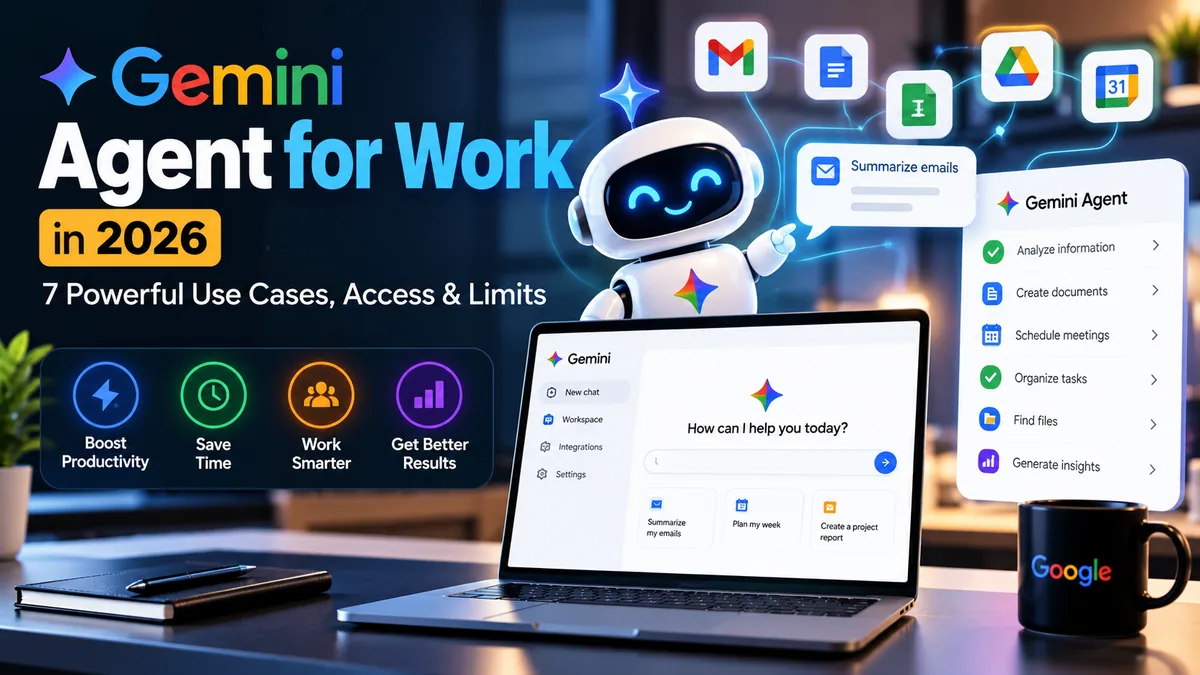
Gemini agent for work is one of the most interesting AI announcements of October 2026. On October 8, Google Cloud described a universal work agent that can connect to business context, plan tasks, use tools, and help complete work across documents, messages, data, and code. That sounds promising, but a business should distinguish the announcement from what is actually available in its account today.
This guide explains what Google announced, seven realistic use cases to evaluate, and the security, access, and cost questions that matter before adopting a new workplace agent. It is a research-based overview, not a claim that we have tested private-preview features.
What Is Gemini Agent for Work?
The Gemini agent for work is Google’s newly announced vision for a single agentic work interface. Unlike a chatbot that mainly answers questions, an agent can plan a task and use connected tools to work toward a result—subject to the permissions and controls of the organization.
Google’s October 8 announcement describes integration with Gmail, Drive, Docs, Slides, Sheets, Chat, and Calendar, plus data, analytics and coding use cases. Availability, licensing and exact features can vary by product and rollout stage; do not assume every feature is already enabled.
7 Powerful Gemini Agent for Work Use Cases to Evaluate
1. Prepare a Meeting From Existing Documents
Imagine asking an agent to review project notes, identify open questions, and prepare a meeting brief. The important distinction is whether it can access the correct permitted files and cite where its summary came from. A practical test should compare its brief with the source material before anyone relies on it.
2. Turn Long Email Threads Into Action Lists
Busy teams can lose track of decisions in long conversations. A work agent could help summarize next steps, owners and deadlines from accessible messages. Do not allow it to send commitments automatically without appropriate review.
3. Draft a Proposal Using Company Context
Sales and service businesses frequently create similar proposals. An AI agent could assemble an initial outline from approved templates, project descriptions and client requirements. Human review is still needed for scope, costs, contract wording and delivery promises.
4. Explore Spreadsheet and Business Data
Business owners often want quick answers from spreadsheets: which product category grew, how expenses changed, or which campaign generated leads. Gemini’s announced analytics direction makes these questions worth exploring, but calculations should be checked against the original dataset.
5. Coordinate Repetitive Workspace Tasks
A connected agent may be helpful for arranging a workflow that spans several tools, such as turning approved notes into a document, sharing it with the correct team, and logging a follow-up. Every action should have clearly scoped permissions and a reversible workflow where possible.
6. Assist With Coding and Technical Documentation
Development teams may use an agent to explain code, draft tests, prepare change summaries or suggest fixes. The safest approach keeps code review, tests, deployment permissions and secrets management separate from casual prompts.
7. Build Better Internal Knowledge Answers
If an agent can retrieve approved company information, it may help staff answer questions about processes or documentation. The key is retrieval quality: responses should identify the original source, its last update, and any conflicting instructions.
Gemini Agent vs a Traditional AI Chatbot
| Question | Traditional chatbot | Connected work agent |
|---|---|---|
| Main job | Answer or draft | Plan and assist with multi-step tasks |
| Company data | Usually pasted or uploaded | May use approved connected sources |
| Actions | Often suggest actions | May take permitted tool actions |
| Risk to manage | Incorrect answers | Incorrect answers plus incorrect actions |
| Best control | Fact-checking | Permissions, approvals and audit logs |
Who Can Access Gemini Agent for Work?
Google announced the agent at its Gemini at Work 2026 event, but announcements do not mean that every small business, Google Workspace user or individual subscriber has immediate access to the same experience. Some agent capabilities may initially be preview-only or limited to eligible enterprise offerings.
For current eligibility and any prices, rely on Google Cloud’s small-business announcement and your organization’s Google Cloud or Workspace administration screens. We are not listing an unverified fixed monthly price.
5 Security Checks Before Enabling a Work Agent
- Permissions: determine exactly which messages, files and systems it can read or edit.
- Approvals: require human confirmation for sending emails, changing records, purchases and external sharing.
- Audit trail: confirm administrators can review important tool actions.
- Data handling: understand retention, regional controls and model-training policies for your actual plan.
- Budget: set usage alerts or spending controls where available, rather than assuming unrestricted execution.
These questions matter for any connected agent. Our AI agent security checklist for small business covers practical controls in more depth.
Is Gemini Agent for Work Worth Watching in 2026?
Yes, especially for organizations already using Gmail, Drive, Calendar and other Google services. The opportunity is a more connected workflow rather than another tab containing a chatbot. But value depends on availability, reliability, approvals, admin controls and whether it genuinely saves effort for your team.
Start with one reversible process such as meeting preparation, not a sensitive financial or customer-facing action. Measure the review time required as carefully as the drafting time saved.
Frequently Asked Questions
Is Gemini agent for work different from Gemini in Gmail?
Google describes a broader agentic work experience. Individual Gemini features in Gmail or other apps do not necessarily mean the full announced agent is enabled.
Can small businesses use Gemini agent for work?
Google highlights small-business scenarios, but access depends on the product’s rollout and the organization’s eligible plan.
Can I trust the agent to run my whole business?
No AI agent should operate without appropriate monitoring, role controls, approvals and testing. Use it first on lower-risk tasks.
Final Verdict
Gemini agent for work is a timely development for AI productivity in 2026. Focus on what your own account can actually do, check security and access details, and evaluate seven concrete workflows before committing to an agent-first setup.

