
ChatGPT Review 2026: Features, Pricing, Pros, Cons & Use Cases
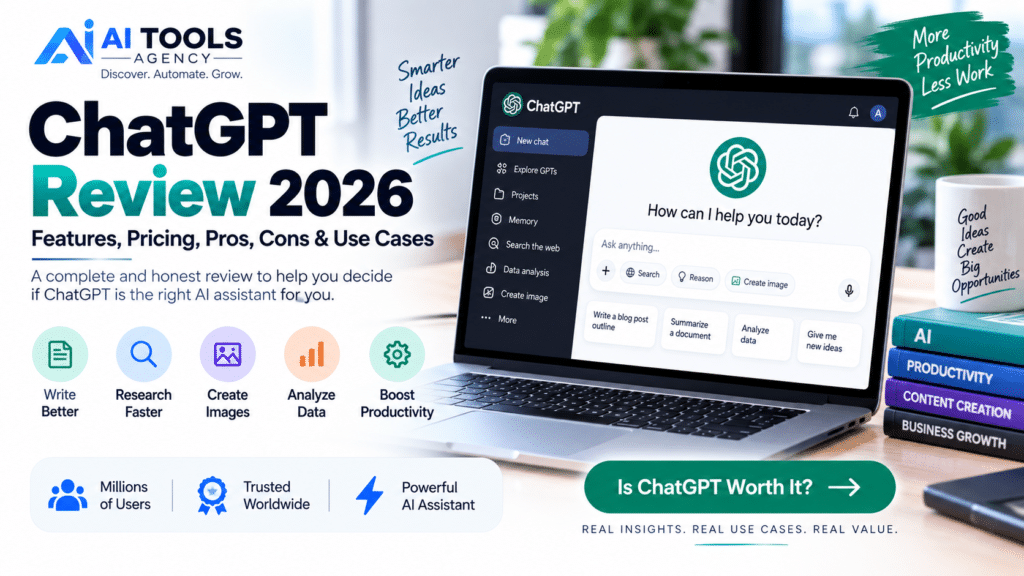
Finding the right AI assistant can be difficult because the market is now filled with tools promising better writing, faster research, smarter automation, and improved productivity. In this ChatGPT Review, we take a detailed look at one of the most widely used AI assistants and examine what it can actually do in 2026. ChatGPT has developed far beyond a simple text chatbot. Depending on your plan and available features, it can search the web, analyze documents, work with spreadsheets, conduct deeper research, understand images, generate and edit images, help with programming, organize long-running projects, and assist with everyday business tasks. But that does not automatically mean ChatGPT is the best choice for everyone. This ChatGPT Review 2026 covers the major features, pricing options, advantages, disadvantages, real-world applications, and alternatives so you can decide whether ChatGPT fits your needs. Editorial Disclosure: AI Tools Agency publishes independent AI tool reviews, tutorials, and comparisons. Product features, usage limits, and pricing may change, so we recommend checking the official provider before purchasing a subscription. ChatGPT Review: Quick Verdict ChatGPT is one of the strongest all-purpose AI assistants available for users who need one platform for multiple types of work. Its biggest advantage is versatility. Instead of requiring separate tools for brainstorming, writing, research, document analysis, coding assistance, images, and data analysis, ChatGPT brings many of these capabilities into one interface. For bloggers, entrepreneurs, developers, marketers, students, researchers, agencies, and businesses, this flexibility can make ChatGPT particularly valuable. However, it is important to understand that ChatGPT can still make mistakes. Important facts should be verified, and AI-generated content should be reviewed before it is published or used for critical decisions. Our Overall View Area Assessment Ease of Use Excellent Writing & Brainstorming Excellent Research Very Strong Coding Assistance Very Strong Image Capabilities Very Strong Data Analysis Very Strong Business Productivity Excellent Accuracy Good, but verification is still required Overall Versatility Excellent We intentionally do not give ChatGPT an artificial “5/5” score because AI products change quickly and different users have different requirements. What Is ChatGPT? ChatGPT is a conversational artificial intelligence assistant created by OpenAI. Instead of relying on traditional menus and commands, users interact with ChatGPT by explaining what they want in natural language. For example, you can ask ChatGPT to explain a complicated subject, summarize a document, improve a paragraph, brainstorm marketing ideas, analyze spreadsheet data, research a topic, help troubleshoot code, or create an image. OpenAI describes ChatGPT as an AI assistant designed to help users think, write, and solve problems using natural-language interaction. This conversational approach is one of the main reasons the platform is accessible to people without technical backgrounds. ChatGPT Review: Key Features in 2026 ChatGPT’s feature set has expanded considerably. Not every feature is available at the same level on every subscription, but the platform now supports a broad range of work. 1. Conversational AI At its core, ChatGPT lets you communicate with an AI assistant through natural language. You do not need to learn a programming language or complicated syntax. You can simply explain what you want and provide context. For example, instead of entering a technical command, a business owner can say: “Create a customer follow-up email for people who requested a quote but have not replied after five days.” ChatGPT can then generate a starting draft that the user can review and customize. The more relevant context you provide, the more useful the result usually becomes. 2. ChatGPT Web Search ChatGPT can search the web when current information is required and can provide source-backed responses. This is especially useful for topics that change frequently, including software updates, current events, product features, industry developments, pricing information, and recent research. For bloggers and marketers, web search can also help discover current sources before creating an article. However, you should still open and review important sources yourself. AI-assisted research should make verification easier, not eliminate it. 3. Deep Research One of the more advanced ChatGPT capabilities is Deep Research. It is designed for questions that require information to be gathered and synthesized across multiple sources. OpenAI says Deep Research can produce structured reports with citations or source links and can work with the public web, uploaded files, and—in supported environments—connected data sources. This can be useful for tasks such as competitive analysis, market research, product comparisons, strategy reports, literature reviews, and detailed content research. For an affiliate marketer, for example, Deep Research could help compare several software platforms before writing an in-depth buying guide. 4. File Uploads and Document Analysis ChatGPT can work with uploaded documents, allowing users to summarize information, extract important details, compare material, or ask questions based on a file. This is valuable when working with reports, PDFs, research documents, presentations, spreadsheets, or other business material. Instead of manually reviewing a large document, you can ask ChatGPT to identify key themes or explain a particular section. You should still review the original source when accuracy is important. 5. Data Analysis ChatGPT can analyze structured files such as spreadsheets and CSV data. OpenAI’s current documentation says ChatGPT can summarize trends, review rows and columns, create tables and charts, clean data, and perform code-backed analysis. For businesses, this opens up many useful applications. A company could upload sales information and ask for trends by month, compare product performance, identify unusual values, or prepare a summary for management. This makes ChatGPT more than just a writing assistant. 6. Image Understanding and Image Generation ChatGPT can analyze uploaded visual information such as screenshots, charts, diagrams, and images. It can also generate images and make natural-language edits to images in supported experiences. For content creators, this can help with blog illustrations, marketing concepts, ad creatives, product mockups, social media graphics, and idea generation. It also means users can upload a screenshot of a problem and ask ChatGPT to explain what they are seeing. 7. Projects Projects are designed to organize related chats, files, and context around a longer-term objective. This is particularly useful when one task lasts longer than

