


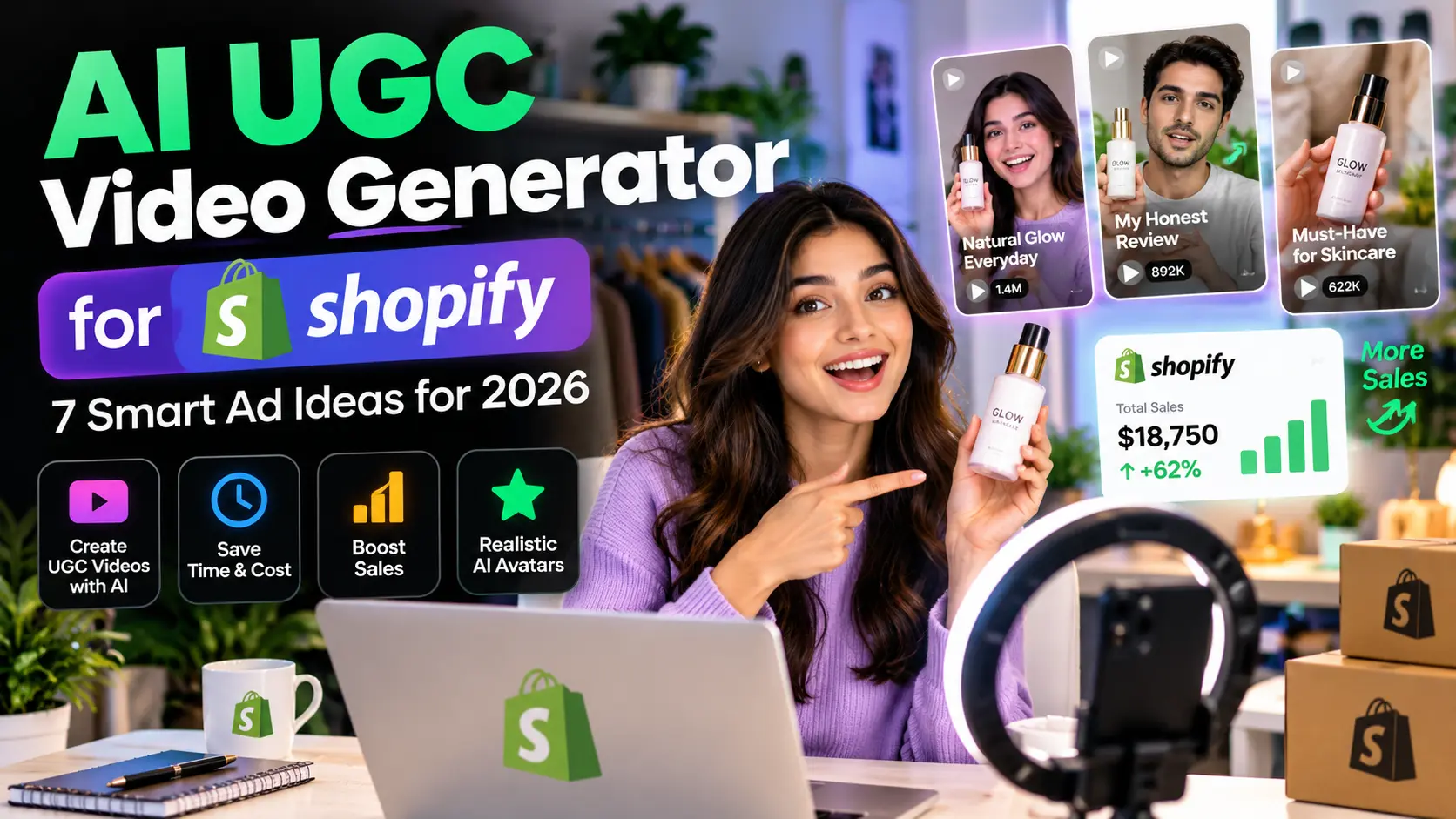
An AI UGC video generator for Shopify can turn a product photo, store listing or script into a creator-style ad without arranging a full traditional video shoot. That makes the category appealing to ecommerce owners who need more ad concepts to test. The catch is that video quality, product accuracy, rights, pricing and realism vary substantially between tools.
This guide offers seven ad concepts and a practical buying checklist. It does not claim that AI-generated creator-style ads consistently outperform real creators or that every platform has been independently tested.
What Is an AI UGC Video Generator for Shopify?
UGC stands for user-generated content. In advertising, UGC-style videos often feature a person talking directly to the camera, demonstrating a product or describing a problem. AI UGC generators imitate parts of that production process with synthetic presenters, scripts, voices, captions or product scenes.
Some tools start with a Shopify product link; others require a script and an avatar. A useful AI UGC video generator for Shopify should make its inputs clear and offer control over the claims that appear in the finished ad.
7 Smart Ad Ideas You Can Create With AI UGC Video Tools
1. The Three-Second Problem Hook
Lead with a specific, honest problem your product solves. For a desk organizer, the hook might be about a cluttered workspace. Show a relevant use case immediately instead of opening with generic enthusiasm. Avoid unverified guarantees.
2. A Simple Product Demonstration
Demonstrate the actual item, size and features. This is easier when the platform can preserve an accurate reference image. Review every generated frame: distorted packaging, invented buttons and altered product colors can mislead customers.
3. A Feature-to-Benefit Explanation
Rather than repeating a product’s specification list, show how one verified feature helps a customer complete a task. One strong, accurate benefit may work better than five rushed claims.
4. A Gift or Seasonal Use Case
Use a gifting, holiday or seasonal angle relevant to your category. Product relevance matters more than forcing a trend. The video should match your store’s real inventory and delivery promises.
5. A Comparison of Buying Priorities
Explain what shoppers should compare—materials, sizing, maintenance or compatibility—without inventing competitor weaknesses. This is particularly useful for considered purchases.
6. A Common Question Answered
Turn a frequently asked product question into a short video. Examples include sizing instructions, how to clean a product or what is included in the package. If the answer depends on a specific SKU, verify it against the correct listing.
7. A Clear Call-to-Action Variation
Keep the same core video but test different accurate calls to action such as “See available colors” or “View size details.” An AI UGC video generator for Shopify can make creative variations easier, but performance still has to be measured with actual campaign data.
How to Choose an AI UGC Video Generator for Shopify
Compare workflow fit before comparing flashy demos. Published comparisons from Pixelbin and UGCVid describe the distinction between product-first tools and script-first tools.
| What to test | Why it matters |
|---|---|
| Product input | Can it use your actual listing or images? |
| Avatar and voice | Can you select a suitable licensed presenter? |
| Product accuracy | Are labels, packaging and details preserved? |
| Video format | Does it support vertical ads and captions? |
| Export terms | Are commercial rights and watermarks clear? |
| Cost per usable video | How many acceptable outputs do credits buy? |
Tools Worth Researching Before You Pay
Creators and stores commonly encounter Creatify, Arcads and HeyGen. The right choice depends on whether you need product-link automation, script-led actors, multilingual output or editing control. Feature and plan availability change, so verify the current vendor pages directly before subscribing.
For broader options, see our AI video generator comparison. If your main goal is short-form content, distinguish an ad-specific workflow from general text-to-video generation.
A Practical Product-to-Video Workflow
- Choose one product with an accurate listing and clear photos.
- Write a 15–30 second script with only verified claims.
- Select product-first or script-first generation.
- Generate two or three creative versions.
- Check every frame, subtitles, audio, brand usage and rights.
- Export the right dimensions for the intended platform.
- Run a small controlled test and evaluate relevant results.
Three Mistakes Shopify Sellers Should Avoid
Publishing Unrealistic Results
Do not show product functions or effects that the actual item cannot deliver. Synthetic endorsements and testimonials should not be presented as genuine customer experiences.
Ignoring Commercial Rights
Read the terms for avatars, voices, licensed assets and promotional use. Requirements may differ between free and paid plans.
Comparing Credits Instead of Deliverables
Credit systems are not standardized. Estimate cost per approved, usable video rather than assuming that similar credit counts mean similar value.
Is AI UGC Worth It for a Small Shopify Store?
It can be useful when a store already has accurate product information and needs variations for testing. Real creators may still be better for authentic demonstrations, genuine testimonials, regulated claims or products that AI struggles to depict reliably.
FAQ
Can I make Shopify ads without filming?
Some tools can generate creator-style ads from a product link, image or script, but the output needs review for accuracy and rights.
Does AI UGC automatically increase sales?
No. Creative quality, targeting, product-market fit, landing pages and campaign testing all affect outcomes.
Should I disclose AI-generated presenters?
Check the rules for the platform and market where the ad runs, and avoid misleading viewers about synthetic people or endorsements.
Bottom Line
An AI UGC video generator for Shopify is best treated as a rapid creative-production tool—not a shortcut to trustworthy advertising. Start with one verified product, test a few honest concepts, and track the cost of finished videos that you can actually use.

