


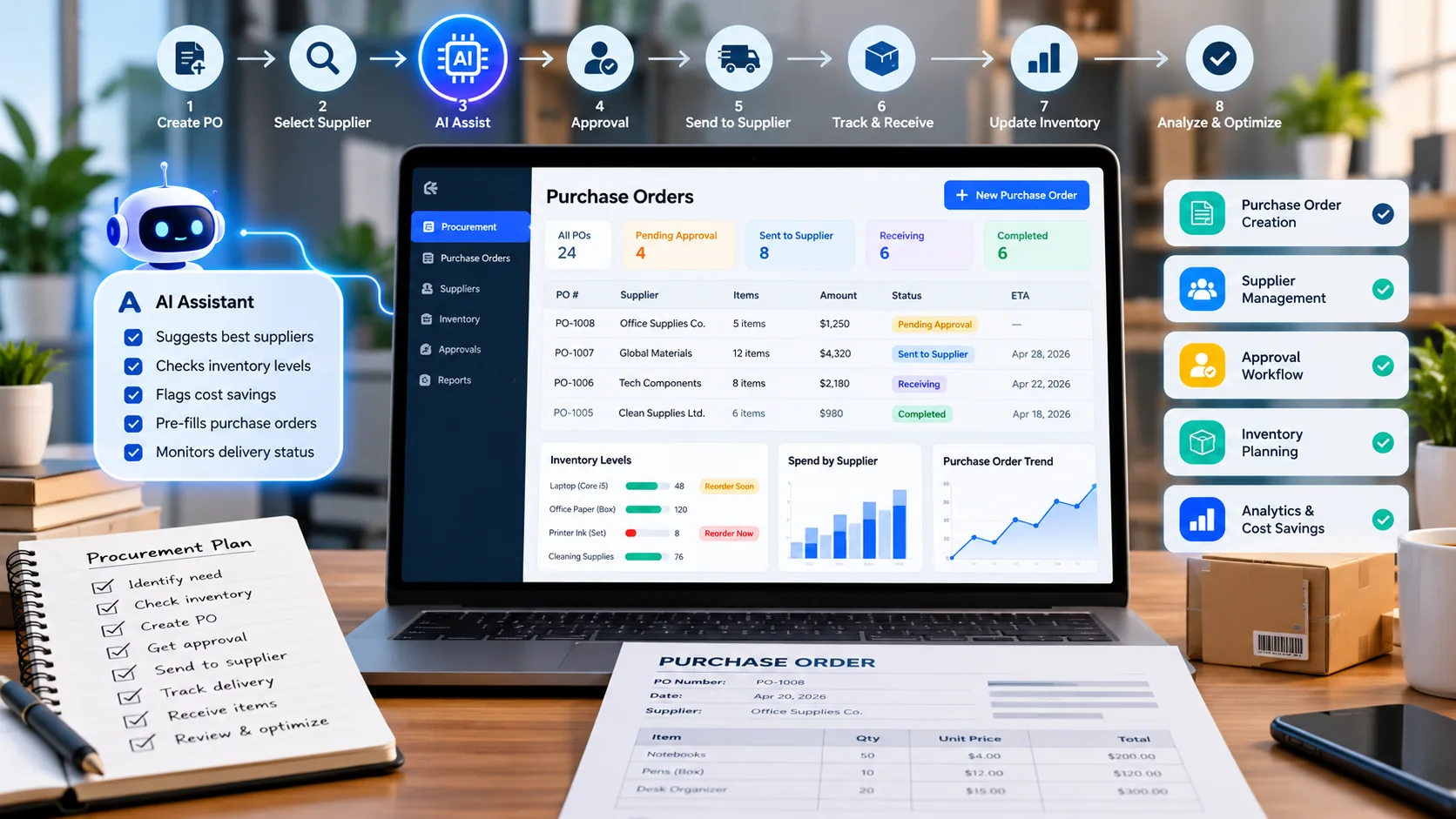
AI automation for small businesses does not have to mean replacing staff or purchasing a complicated platform. It can start with a single repeated task: summarize messages, categorize enquiries, prepare a first draft, or alert a team member to an exception. The most valuable setup is one that your staff can understand, measure and turn off safely if it fails.
Quick answer: Identify a repetitive workflow with clearly defined inputs and outputs, calculate how often it happens, then automate one small step with human review. A free trial is not proof of long-term value; measure actual handling time, errors and recurring cost.
1. Enquiry classification
When messages arrive through a website or shared inbox, an AI classifier can tag them by service requested, urgency and the information missing. Keep the original message and the classification separate. Route uncertain, sensitive or high-priority enquiries to a person rather than sending automated promises.
For example, a computer equipment seller enquiry could be tagged as ‘inventory provided’ or ‘photos still required’ without guessing a buying price or promising a collection date.
2. Customer service draft replies
A support assistant can draft replies using approved help-center documents. Human agents should approve sensitive matters such as refunds, account recovery, legal issues and complaints. Maintain a knowledge-source list so replies can be corrected when policies change.
3. Invoice and document processing
AI extraction can read supplier invoices, identify vendor, date, line items and totals, then place a proposed entry into a review queue. Accounting rules and duplicate detection must still be applied. Never post financial transactions automatically when the extracted amount is uncertain.
4. Lead qualification and CRM updates
Extract the problem, location, budget range where volunteered and requested service from a lead form. Flag missing information and suggest a follow-up. Do not invent financial details or silently change sales-stage definitions. Ask for consent where personal-data collection or follow-up rules require it.
5. Social media content preparation
From one verified article, draft short platform-specific captions and a visual brief. Keep fact checking and brand approval before publishing. AI should not fabricate customer testimonials, employee photos, measured results or product capabilities.
6. Customer feedback themes
Group reviews or surveys into recurring themes such as delivery delays, interface confusion or product expectations. Preserve representative original text for verification and remove identifying information when reporting outside the responsible team.
7. Meeting notes and follow-ups
With appropriate notice and permissions, turn permitted meeting transcripts into action items, owners and proposed deadlines. Require the meeting organizer to confirm what was actually agreed, especially for client commitments or pricing.
8. Inventory exception reporting
AI can summarize stock movement anomalies or forecast discrepancies from structured inventory data. The application still needs clear stock mathematics, audit logs and safeguards. Consider AI an explanation layer rather than the sole source of inventory truth.
How to choose your first automation
- Choose a task repeated at least several times weekly
- Measure current handling time and error rate
- Define what success looks like before selecting a vendor
- Use a safe test dataset or scrubbed examples first
- Set a human approval path and an emergency off switch
- Compare monthly software, API and maintenance costs after the pilot
Privacy, security and human oversight
Check the AI provider’s data retention and processing policies, account access controls, and available regional processing options before uploading customer or employee data. Limit access to the minimum necessary permissions. For regulated data or legal advice, consult qualified professionals rather than relying on a chatbot alone.
FAQ: Do I need to code?
Simple text classification and workflow routing may be possible through no-code tools; complex integrations or strong permissions can require development. The decisive factor is safe connection to your actual systems, not whether a platform calls itself ‘no-code’.
How quickly will AI save money? It depends on volume, baseline effort, error cost and subscription fees. Track real results instead of making unsupported ROI estimates.
Your Next Step
Start by writing down one workflow, a sample input and the output your team needs. If you want help planning integrations and approvals, describe the current process through the AI Tools Agency contact page. We can discuss an implementation approach rather than promising automatic savings.
Browse the AI for Small Business library or visit our blog for more practical guides.

